Residential Tech Support in Central Florida: Real Help for Home Wi-Fi, Computers, and Smart Devices
Most homes now run more technology than a small office did fifteen years ago. There is a router, a mesh system nobody quite trusts, two or ...
Most homes now run more technology than a small office did fifteen years ago. There is a router, a mesh system nobody quite trusts, two or three laptops, a printer that only works on alternate Tuesdays, a smart doorbell, a streaming stick, and a work laptop that has to connect to a company VPN by 8 a.m. When one piece stops cooperating, the whole house feels it, and the usual fix is an hour on hold with a support line in another time zone.
That is the gap residential tech support in Central Florida is meant to close. Instead of guessing your way through a forum thread, you get a local technician who can look at the actual equipment in your actual house. We help homeowners and remote workers across Orlando, Lake County, Clermont, Mount Dora, Eustis, Tavares, Leesburg, and Apopka with the everyday technology problems that never seem to fit neatly into anyone else’s support script.
1. What Residential Tech Support in Central Florida Actually Covers
It is broader than “fixing computers.” A typical week includes slow laptops, failed Windows updates, printers that dropped off the network, TVs and streaming devices that will not connect, email that stopped syncing on a phone, new device setup and data transfer, virus and pop-up cleanup, and Wi-Fi that dies at the far end of the house. It also covers the planning work: helping you decide whether a machine is worth repairing, what to buy next, and how to get a new home office running before the first Monday meeting. Our residential tech support service is built around those real situations, not a rigid menu.
2. Home Wi-Fi Is Usually the Real Culprit
When people say “my computer is slow,” the computer is often fine. The wireless signal is the problem. Central Florida homes tend to be single story with long footprints, block construction, tile, and a router parked wherever the cable company happened to drill the wall. That is a recipe for dead zones. Moving the router, adding a properly placed access point, splitting the 2.4 GHz and 5 GHz bands, or running one cable to the far side of the house usually beats buying yet another range extender. We wrote a full walkthrough on fixing Wi-Fi dead spots if you want to try the easy wins first.
3. The Home Office Deserves Business Grade Attention
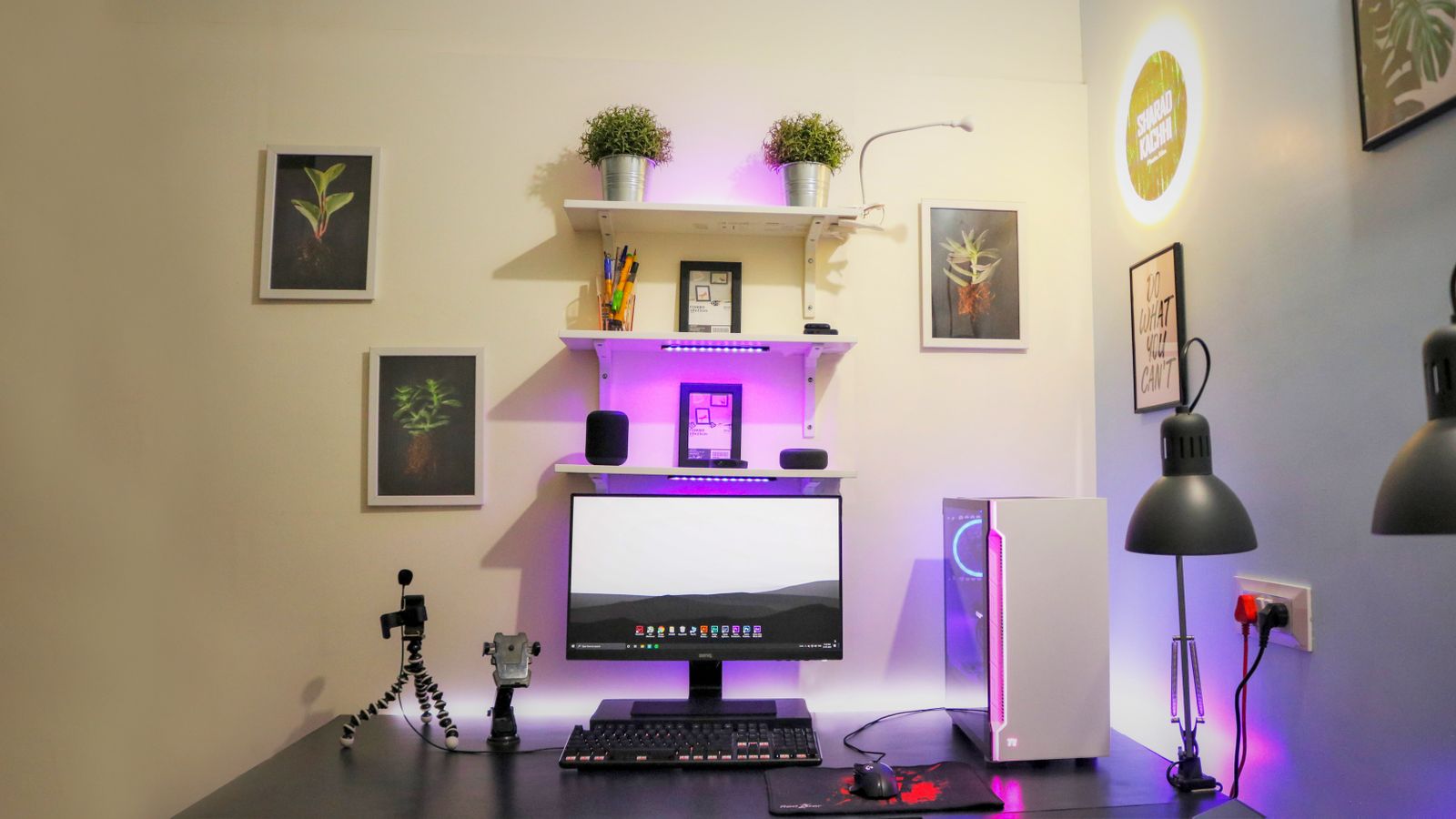
If you work from home, your house is now a branch office, and an outage costs you real money. That changes the priorities. You want a wired connection to the desk if it is at all possible, a backup path when the main internet goes down, a surge protected power setup, and a machine that is actually specified for the work you do rather than whatever was on sale. It also means keeping your work profile separated from the family computer, so a kid’s game download cannot take out your payroll deadline. Small decisions here save entire lost days later.
4. Smart Home Devices That Nobody Finished Setting Up
Smart home gear is easy to buy and surprisingly easy to abandon halfway. Cameras that never got named, a thermostat still running the factory schedule, three different apps for three brands of light, and a doorbell that stopped notifying anyone months ago. The fix is rarely more hardware. It is consolidating what you already own onto one platform, putting devices on the right network, setting up routines that actually match your day, and labeling everything so the next person can figure it out. Our guide to smart home setup built for Florida heat and lightning covers what holds up in this climate.
5. Family Photos and Files You Cannot Replace
Homes almost never have a backup, and homes hold the data people care about most. Twenty years of photos, tax records, a scanned copy of a will, the only copy of a college project. A drive failure or a stolen laptop erases all of it in a second. The standard we recommend to businesses works just as well at home: keep the original, keep a local copy on an external drive, and keep an off-site copy in the cloud that runs automatically. Automatic is the key word. A backup that depends on you remembering to plug in a drive is not a backup.
6. Pop Ups, Scam Calls, and the Fake Microsoft Warning
The single most expensive thing that happens in a home is not hardware failure. It is a scam. A full screen warning appears, a phone number promises to fix it, and a stranger ends up with remote access, a credit card number, and time alone with your bank tab. No real company ever puts a phone number in a security warning. If you see one, close the browser, restart the machine, and call someone you actually chose. We clean up the aftermath of these regularly, and it is far cheaper to have a technician verify a warning than to unwind a fraud claim.
7. What a Visit Costs and How It Usually Goes
Most residential work is billed by the hour or as a flat rate for a defined job like a new computer setup or a Wi-Fi overhaul, and you get a number before anyone starts. Plenty of problems never require a visit at all. A secure remote session can handle software issues, email setup, printer drivers, and cleanup in a fraction of the time. On-site makes sense when the problem is physical: cabling, mounting, camera placement, network hardware, or anything that involves crawling into an attic in August so you do not have to.
The Bottom Line
Home technology has quietly become critical infrastructure. It runs your job, your security cameras, your kids’ schoolwork, and your family’s entire photo history, and almost nobody has a plan for what happens when it breaks. Good residential tech support is not about being rescued after a disaster. It is about a short list of sensible fixes, solid Wi-Fi, a real backup, updated devices, and a local number to call, so the small problems stay small.
Tired of fighting with your home network, computer, or smart devices? Think Tech Support provides friendly, no-jargon residential tech support for homes and home offices across Central Florida. Call us at (423) 486-6711 or reach out through our contact page for a free quote.