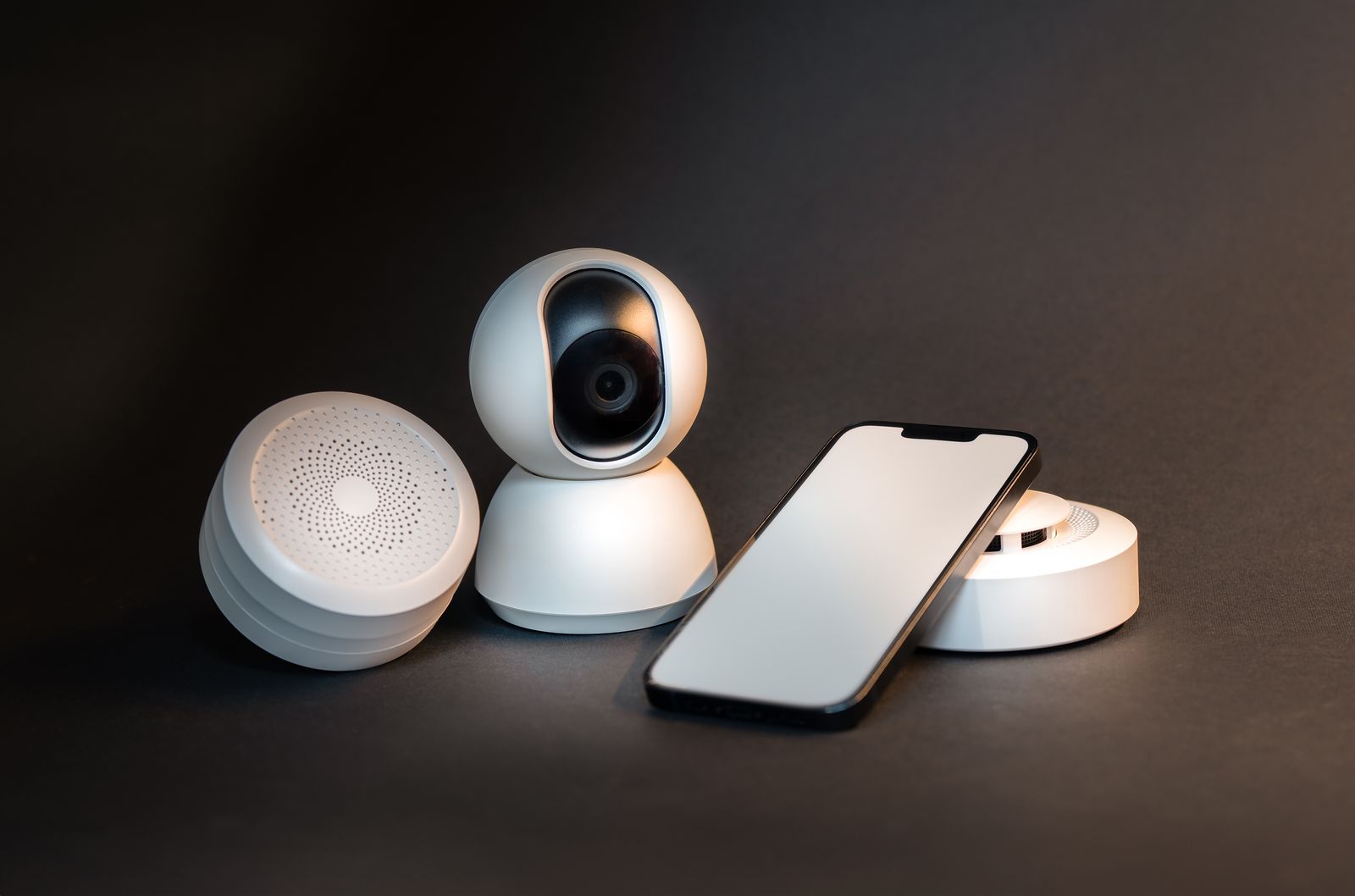
Smart Home Devices Keep Going Offline? Here’s Why, and How to Make It Stop
You ask the speaker to turn on the porch light and it answers with “the device is unresponsive.” You open the app and half your plugs, ...
You ask the speaker to turn on the porch light and it answers with “the device is unresponsive.” You open the app and half your plugs, bulbs, and cameras show a gray Offline badge. If your smart home devices keep going offline, you are not alone, and it is rarely because the gadgets are broken. Nine times out of ten, the problem is the network they are trying to live on.
We troubleshoot this for homeowners across Orlando, Lake County, Clermont, Mount Dora, Eustis, Tavares, Winter Garden, and Apopka almost every week. The causes repeat, and so do the fixes. Here is what is usually going on, what you can check yourself in a few minutes, and when it makes sense to call in help.
1. Your Smart Devices Are Fighting Over the 2.4 GHz Band
Most plugs, bulbs, sensors, and budget cameras only speak 2.4 GHz wifi. That band travels farther than 5 GHz, but it is also crowded by neighbors’ routers, baby monitors, microwaves, and Bluetooth. In a Central Florida neighborhood with homes close together, your devices may be shouting over a dozen other networks. Many modern routers also “band steer,” quietly shoving devices between 2.4 and 5 GHz under one network name. Cheap smart plugs hate that. Giving them a dedicated 2.4 GHz network, or turning off band steering, fixes a surprising number of dropouts on its own.
2. Your Router Has Hit Its Device Limit
The router your internet provider handed you was built for a few phones and a laptop, not 40 smart devices. Many of those units start dropping connections somewhere between 25 and 50 clients, and they do it silently. Count everything: phones, TVs, streaming sticks, thermostats, doorbells, every bulb and plug. If you are near that number and devices drop at random, the router is the bottleneck. A quality mesh system or a business-grade access point handles hundreds of connections without breaking a sweat. Our guide to planning a smart home setup covers how to size the network before you add more gear.
3. Why Smart Home Devices Keep Going Offline After a Power Outage
Florida storms knock the power out, and when it comes back, every device in the house tries to reconnect at the same moment while the router is still booting. Some give up and sit offline until you unplug them. Others grab a new IP address and the hub or app loses track of them. A small battery backup (UPS) on the modem and router keeps the network alive through short flickers, which means your devices never lose their connection in the first place. For the ones that still stick, a reserved IP address in the router settings keeps them findable after every reboot.
4. Weak Signal in the Far Corners of the House
That outdoor camera on the back lanai or the smart lock on the garage door is often at the very edge of your wifi range, separated from the router by block walls, stucco, and a refrigerator. Florida construction is hard on wifi signals. A device with one bar of signal will connect, work for a while, and then drop whenever the air gets busy. Moving the router to a central spot, adding a mesh node near the problem area, or running an ethernet line to a wired access point is far more reliable than a plug-in range extender, which often makes things worse by cutting speed in half.
5. Too Many Apps, Hubs, and Cloud Accounts
A home that grew one gadget at a time can end up with five brands, five apps, and five cloud services. When any one of those clouds has an outage or changes its login, its devices go offline even though your wifi is fine. Devices that rely on a hub (Zigbee, Z-Wave, or Thread) also go dark when the hub itself drops off the network. Consolidating onto fewer platforms, and choosing devices that support Matter and local control, means your lights still turn on when a company’s servers are having a bad day.
6. Firmware and Router Settings Nobody Has Touched in Years
Outdated firmware on either the router or the devices causes real disconnect bugs, and manufacturers patch them quietly. Security settings matter too: some older smart plugs cannot connect to networks using WPA3 only, and a router update that flips that setting can knock them all offline overnight. Check for updates in each device app and in your router’s admin page, and if you changed your wifi password recently, remember that every device has to be told the new one. That single change is behind a lot of “everything went offline at once” calls.
7. Quick Checks You Can Do Today
Before you start replacing hardware, try this order: restart the modem, then the router, then wait two minutes before touching the devices. Look in your router’s app for how many devices are connected and how strong each one’s signal is. Note which devices drop and where they are in the house, because a pattern (all outdoor, all one brand, all after storms) points straight at the cause. If the same few devices keep dropping after all that, the fix is almost always network design rather than another new gadget.
The Bottom Line
When smart home devices keep going offline, the gadgets usually get the blame while the real culprit is an overloaded router, a crowded 2.4 GHz band, weak coverage, or a power blip. Fix the foundation and the whole house gets calmer: lights respond, cameras record, and the speaker stops apologizing. If you would rather have a pro sort it out, our residential tech support team can map your network, find the weak spots, and get everything talking again, often in a single visit. You can also read more about our smart home tech support for ongoing help.
Tired of telling your house to do something twice? Think Tech Support diagnoses and fixes wifi, smart home, and connected device problems for homes and businesses across Central Florida. Call us at (423) 486-6711 or reach out through our contact page for a free quote.