
Business Wi-Fi Installation in Central Florida: Coverage That Holds Up All Day
A proper business Wi-Fi installation is a different job from plugging in a router at home, and most offices find that out the hard way. The ...
A proper business Wi-Fi installation is a different job from plugging in a router at home, and most offices find that out the hard way. The signal is strong at the front desk, weak in the back office, and completely gone in the warehouse. Somebody buys a range extender, then a second one, and now the whole thing drops calls every afternoon when the building fills up. The problem was never the router. It was that nobody ever designed the network for the space.
We do this work every week for businesses across Orlando, Lake County, Clermont, Mount Dora, Eustis, Tavares, and Apopka, in everything from a four person insurance office to a 20,000 square foot shop with a metal roof. The good news is that commercial wireless is a solved problem. It just has to be measured, cabled, and configured on purpose instead of guessed at.
1. The Router From Your Internet Company Was Never Built for This
The all in one gateway your provider dropped off is designed for a household with a handful of devices. Your office is not that. Between laptops, phones, tablets, printers, card readers, cameras, thermostats, and every employee’s personal phone hopping on, a small business can easily push 40 or 50 connected devices through a box rated for a fraction of that. When it gets overloaded it does not fail loudly. It just gets slow, drops connections, and makes everyone assume the internet is bad. Nine times out of ten the internet is fine and the wireless is the bottleneck.
2. What a Business Wi-Fi Installation Actually Includes
A real installation starts with a site survey. We walk the building, note the construction, find the electrical and network closets, and figure out where people actually work. From there we design coverage using commercial access points, run cable to each mounting location, configure the network with proper channel and power settings, separate staff traffic from guest traffic, and test every corner of the space with the doors closed and the building occupied. You end up with one network name that follows you through the building instead of four competing ones that fight each other.
3. Placement Beats Buying a Stronger Router
This is the part almost everyone gets wrong. Wireless coverage is not about power, it is about position. Two modest access points mounted on the ceiling in the right spots will beat one expensive router shoved under a desk every single time. Ceilings are ideal because the signal spreads down and out with nothing in the way. Behind a metal filing cabinet, inside a closet, or on the floor next to a power strip are all common places we find equipment, and all of them cut range dramatically. Range extenders are usually a downgrade, because they cut throughput in half and hand devices back and forth badly.
4. The Cabling Behind the Ceiling Is Half the Job
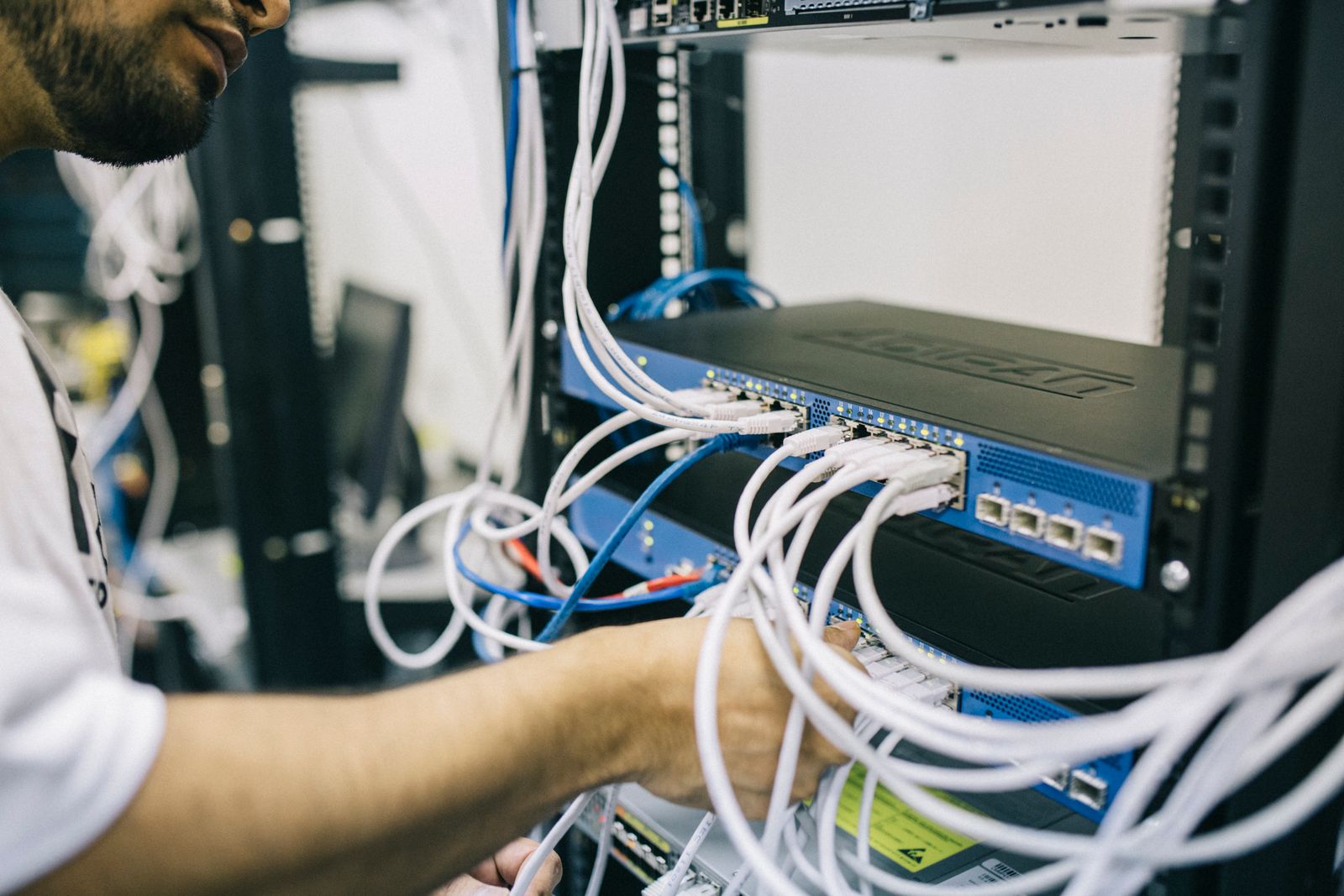
Every access point needs a network cable back to a central switch, and that cable is what carries both the data and the power. Skipping it is why so many DIY setups underperform. Clean, labeled, correctly terminated runs are the difference between a network that stays up for a decade and one that develops mystery problems every few months. If you want the longer version of that argument, we wrote about it in structured network cabling for Central Florida small business. Cabling during an installation is cheap. Cabling later, after the drywall and ceiling tile are finished, is not.
5. What Business Wi-Fi Installation Costs in Central Florida
Pricing depends almost entirely on square footage, construction type, and how much cable already exists. A small office of two or three thousand square feet that needs two access points and a switch typically lands in the low four figures installed. Larger spaces, multiple floors, warehouses, or buildings with concrete block interior walls need more access points and more cable, so they run higher. The honest answer is that nobody can quote it accurately over the phone without seeing the building, and any company that gives you a firm number sight unseen is guessing. A walkthrough and a written quote should be free.
6. Guest Wi-Fi, Cameras, and Keeping Them Off Your Books
Customers, vendors, and contractors are going to ask for the Wi-Fi password. They should never get the one your point of sale system and accounting computer use. A proper installation puts guests on a separate network that reaches the internet and nothing else, and does the same for cameras, thermostats, and other smart devices that tend to have weak security of their own. We cover the setup in detail in our guide to securing your business Wi-Fi and guest network. It costs nothing extra at install time and it is painful to retrofit later.
7. Florida Buildings Have Their Own Rules
Concrete block, stucco with wire lath, tile roofs, and metal buildings all eat wireless signal in ways that drywall does not, which is why coverage plans copied from a northern office building fall apart here. Heat matters too, since equipment stuffed into an unconditioned closet in July will throttle or fail early. And in the lightning capital of the country, surge protection on the network gear is not optional. We plan for all three, because we have replaced enough storm damaged switches to know better.
The Bottom Line
If your team complains about the Wi-Fi more than once a week, you do not have a router problem, you have a design problem, and buying another piece of consumer gear will not fix it. A properly installed business network is one of the few IT investments people notice immediately, because the complaints simply stop. It is also the foundation everything else sits on, from your phones to your cameras to your cloud software, so it is worth doing once and doing right. If you would rather have someone keep an eye on it after the install, that is exactly what our managed IT services are built for.
Tired of explaining to customers why the Wi-Fi is down again? Think Tech Support designs, installs, and supports business wireless networks for businesses across Central Florida. Call us at (423) 486-6711 or reach out through our contact page for a free quote.


