Securing Your Business Wi-Fi and Guest Network in Central Florida
Your business Wi-Fi is one of the most overlooked security risks in your entire operation. Most owners set up a router once, type in a password, ...
Your business Wi-Fi is one of the most overlooked security risks in your entire operation. Most owners set up a router once, type in a password, and never think about it again. The trouble is that a poorly configured wireless network is an open back door, and an attacker does not even need to be inside your building to walk through it. They can sit in the parking lot, connect to a weak network, and quietly start poking around your files, your point of sale system, and your customer records.
At Think Tech Support, we help businesses across Orlando, Lake County, Clermont, Mount Dora, Eustis, Tavares, and Apopka lock down their wireless networks the right way. The good news is that securing your Wi-Fi is not expensive or complicated when it is done properly from the start. Here is what every Central Florida business owner should understand about keeping their wireless network safe.
1. Stop Running Your Business on the Router From the Box
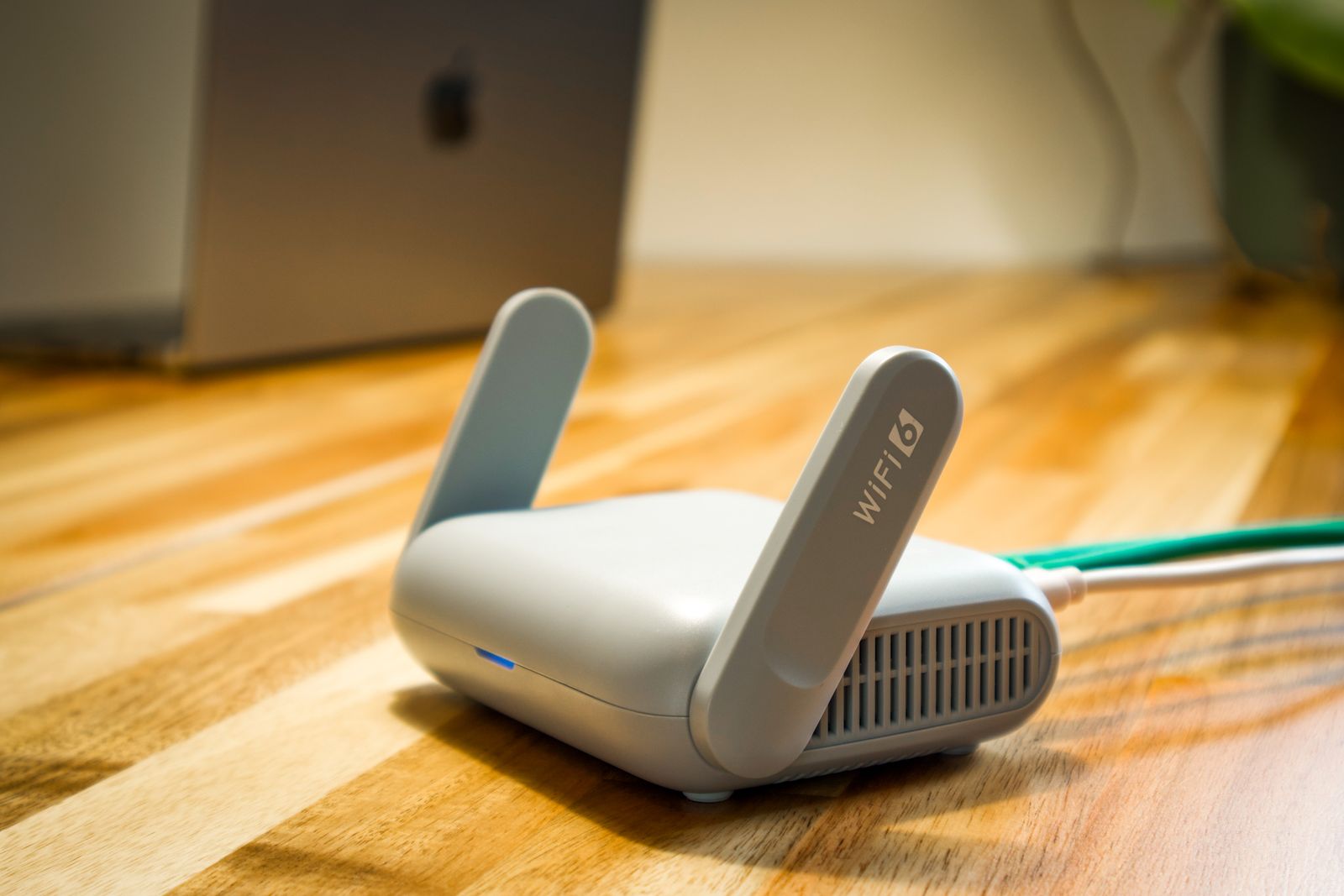
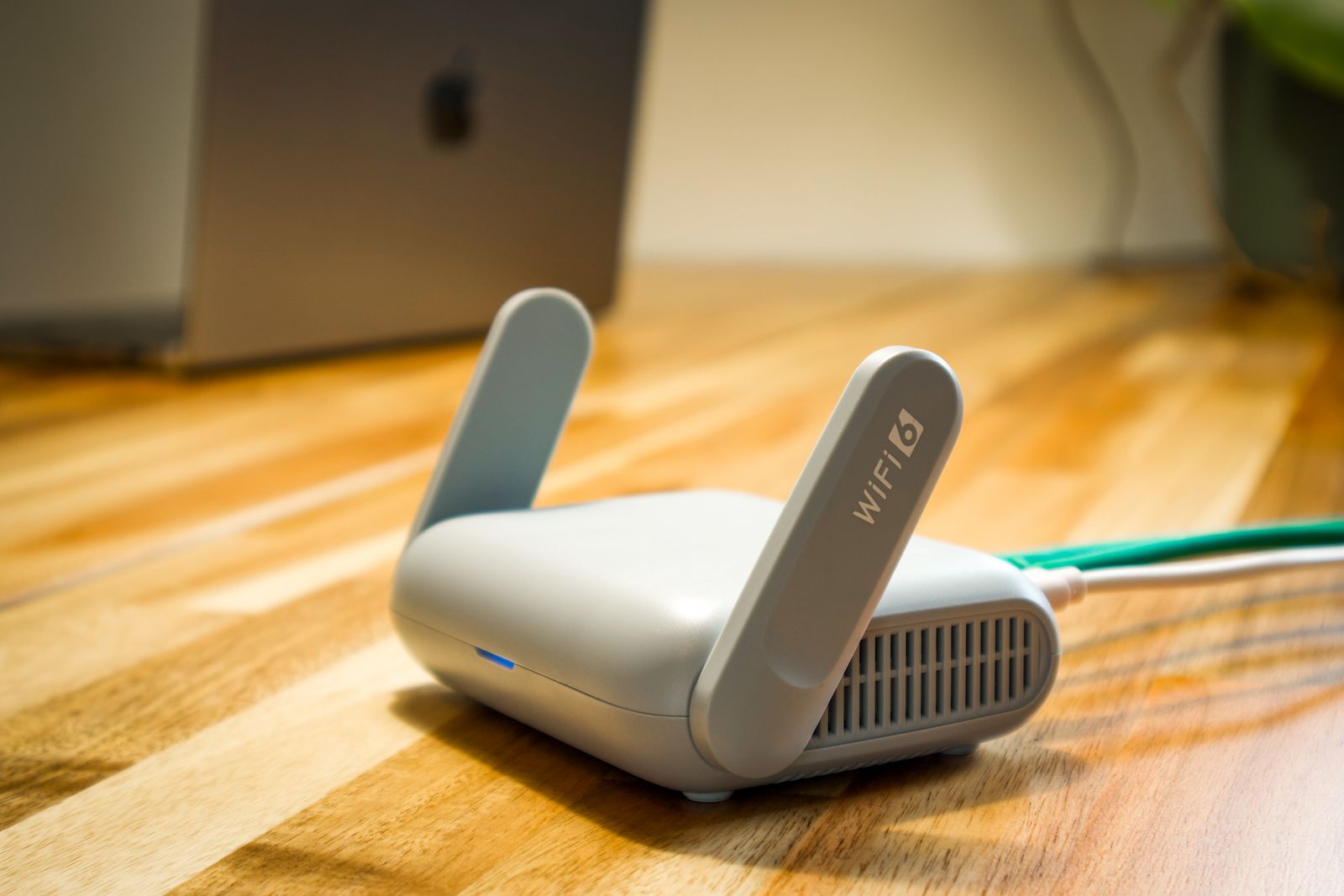
The wireless router your internet provider handed you is built for a household, not a business. It often ships with default admin passwords that are printed on a sticker and listed all over the internet, weak encryption settings, and no real way to separate traffic. If you are running a real business on consumer gear, you are starting from a weak foundation. A proper business grade network gives you control over who connects, what they can reach, and how it all gets monitored.
2. Always Separate Your Guest Network From Your Business Network
This is the single most important step, and it is the one most small businesses skip. Your customers, your visitors, and that vendor dropping off supplies should never connect to the same network that runs your computers, your card reader, and your accounting software. A dedicated guest network keeps outsiders walled off in their own lane. If a guest device is infected with malware, that separation stops it from spreading to the equipment that actually runs your company.
3. Use Strong Encryption and a Real Password
Make sure your network uses WPA3 encryption, or at minimum WPA2, and never an older standard like WEP that can be cracked in minutes. Just as important, your Wi-Fi password should be long and unique, not the name of your business followed by the year. If you struggle to keep strong passwords straight, that is a sign your whole team could benefit from a password manager to handle the heavy lifting securely.
4. Hide and Limit Your Internal Network
Your private business network does not need to broadcast its name to every phone that walks past your front door. You can hide the network name so it does not show up in the public list of available connections, which keeps casual snoopers from even knowing it exists. You can also limit which specific devices are allowed to join, so a random laptop cannot connect even if someone somehow guesses the password. These small settings add real layers of protection.
5. Keep Firmware and Equipment Up to Date
Router and access point manufacturers regularly release firmware updates that patch newly discovered security holes. A network device that has not been updated in three years is a sitting target. This is one of those maintenance tasks that is easy to forget until something goes wrong, which is exactly why so many businesses hand it off as part of their ongoing IT support instead of trying to remember it themselves.
6. Watch Who and What Is Connecting
A secure network is not something you set once and forget. You should be able to see what devices are connected at any given time and get an alert when something unfamiliar shows up. This kind of visibility is the difference between catching an intruder in the first hour and discovering a breach months later when the damage is already done. Pairing solid Wi-Fi with the right physical security and cameras gives you a complete picture of who is in your space, both online and in person.
The Bottom Line
Wireless security is not about buying the most expensive equipment. It is about a handful of smart decisions: separate your guest traffic, use strong encryption, keep your gear updated, and actually keep an eye on what is connecting. Done right, your Wi-Fi becomes a quiet, reliable utility instead of the weakest link in your business. Done wrong, it is an open invitation to anyone within range.
Not sure whether your business Wi-Fi is actually secure? Think Tech Support designs, secures, and monitors business networks for companies across Central Florida. Call us at (423) 486-6711 or reach out through our contact page for a free quote.