
Opening a New Office in Central Florida? Your Small Business Tech Setup Checklist
Signing a lease for a new office is exciting, but the technology behind it can make or break your first few weeks. Nothing kills momentum faster ...
Signing a lease for a new office is exciting, but the technology behind it can make or break your first few weeks. Nothing kills momentum faster than moving in on a Monday and discovering the internet is not live, the phones do not ring, and there are network cables snaking across the floor. The businesses that open smoothly are the ones that planned their technology before the furniture showed up, not after.
At Think Tech Support, we help businesses across Orlando, Lake County, Clermont, Mount Dora, Eustis, Tavares, and Apopka set up new offices the right way the first time. Whether you are a growing law firm in Clermont, a dental practice in Mount Dora, or a contractor moving into a bigger space in Apopka, this checklist walks through everything you should line up so your team can plug in and get to work on day one.
1. Order Your Internet Early (And Plan a Backup)
Internet installation is almost always the longest lead time in an office move, sometimes three to six weeks depending on the building and the provider. Call your provider the moment you sign the lease, not the week before you move. Ask whether the suite already has service that can be transferred, and find out if fiber is available at the address. For any business that cannot afford downtime, consider a second connection or a cellular failover so a single outage does not shut down your whole operation. We can help you choose the right speed and provider for your team size.
2. Run Structured Cabling Before the Walls Fill Up
The cheapest time to wire an office is when it is empty. Once desks, cubicles, and equipment are in place, running clean cable becomes a costly headache. Plan your data drops now: every desk, every printer location, every wireless access point, and every camera should have a dedicated, labeled run back to a central rack. Doing this properly avoids the tangled mess we wrote about in our post on spaghetti wiring, and it makes every future repair or upgrade far simpler.
3. Set Up a Real Business Network and Secure Wi-Fi
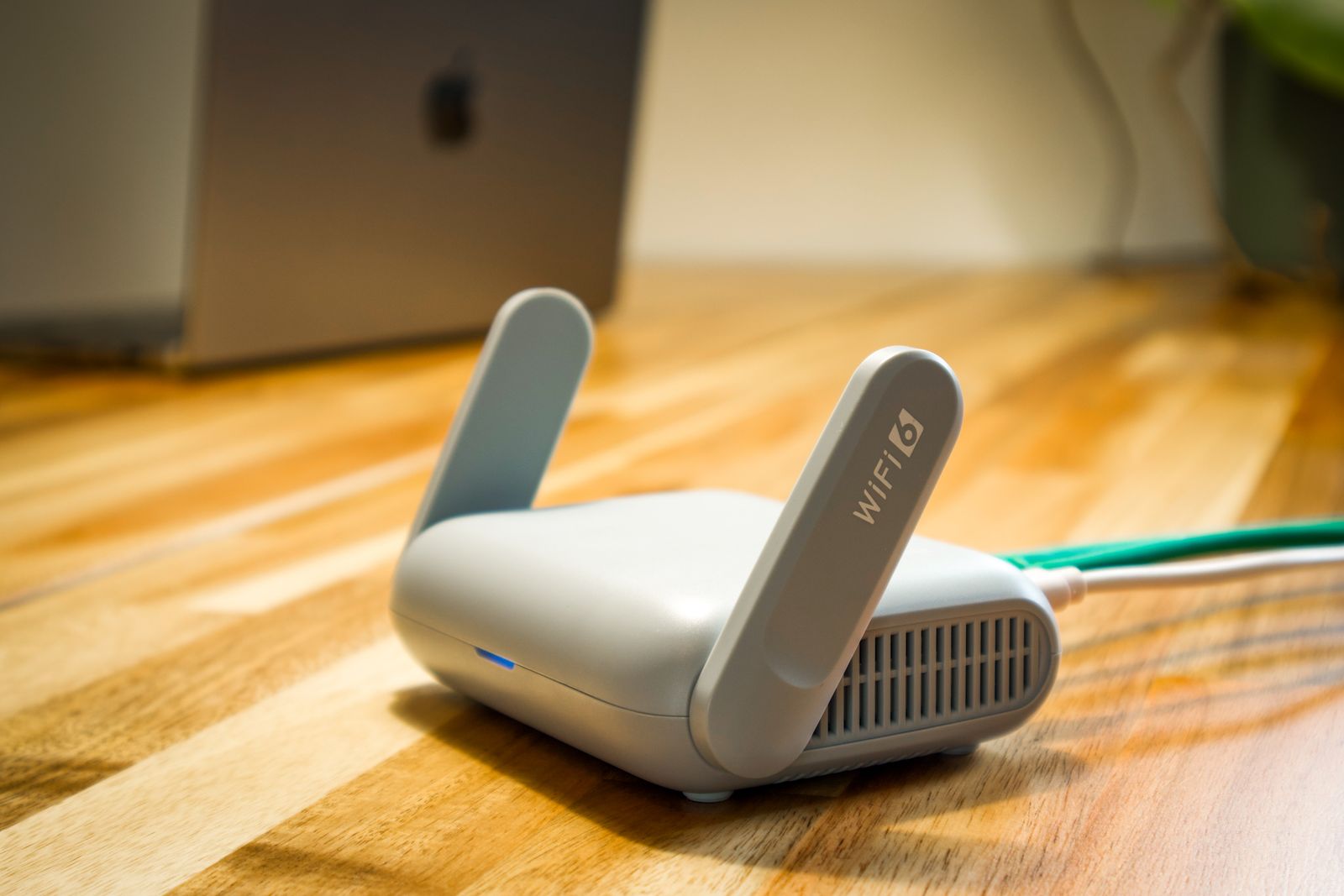
A consumer router from a big box store is not built for a busy office. You want business-grade equipment: a proper firewall, a managed switch, and access points placed to cover your whole floor without dead zones. Just as important, separate your networks. Your staff, your payment systems, and your guest Wi-Fi should each live on their own segment so a visitor on the lobby connection can never reach your internal files. Set a strong, unique Wi-Fi password and change the default logins on every device before you go live.
4. Move Your Phones to VoIP From Day One
A new office is the perfect time to leave old phone lines behind. With a modern VoIP business phone system, your numbers ride over your internet connection, so there are no separate phone lines to install and your team can answer calls from a desk phone, a laptop, or a cell phone app. You get auto attendants, voicemail to email, and the ability to add lines as you grow, usually for less than a traditional phone bill. Set this up alongside your internet so your main number is answering calls the day you open.
5. Get Computers, Accounts, and Cloud Backup Ready
Before move-in day, have every workstation imaged, updated, and loaded with the software your team needs. Create email accounts, set up shared drives, and decide who has access to what. Most importantly, put a real backup plan in place from the start. Follow the 3-2-1 rule: three copies of your data, on two types of media, with one copy stored off-site or in the cloud. Setting this up before your first real workday means your business is protected the moment people start creating files.
6. Lock Down Physical Security
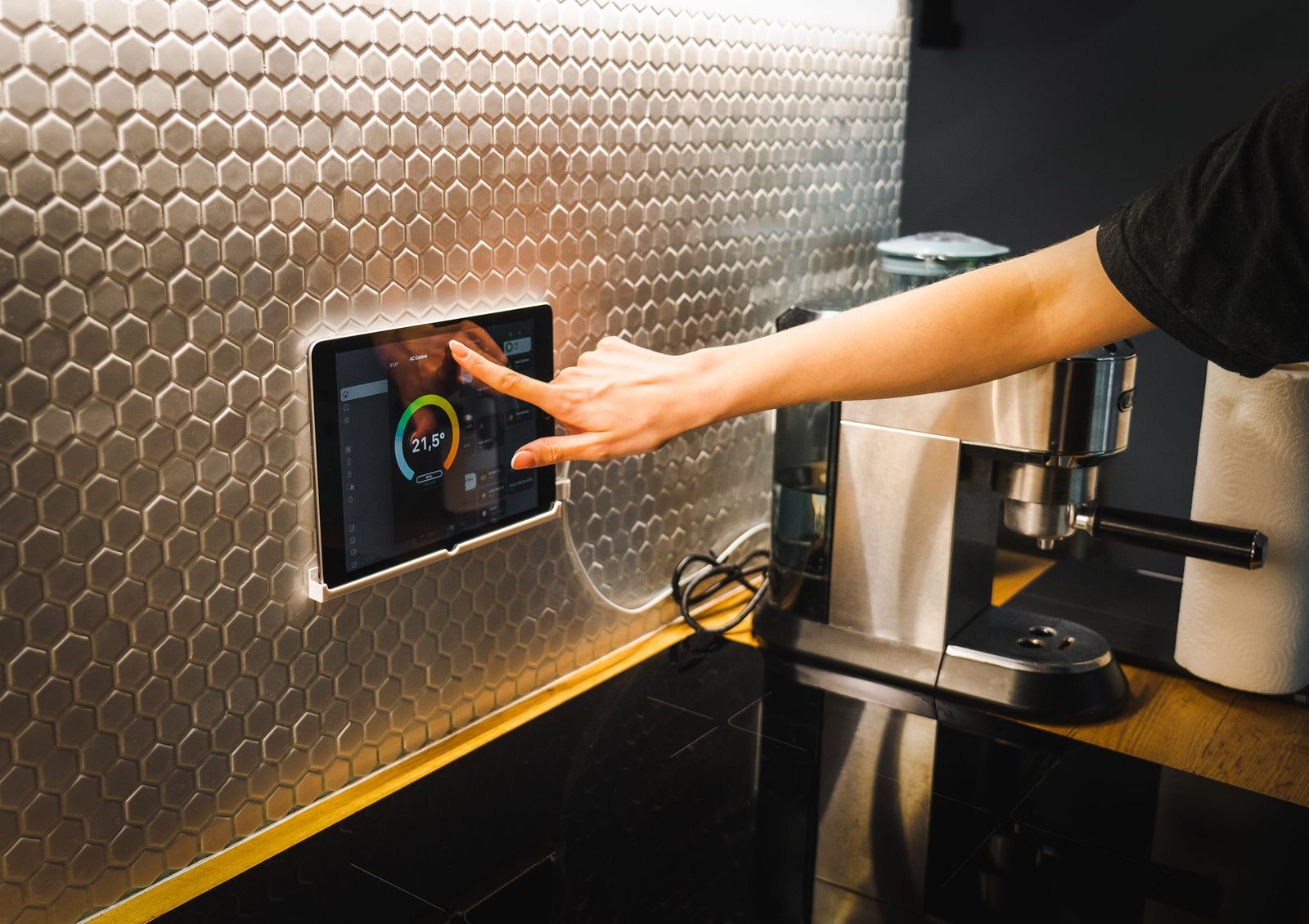
Your technology setup should include the doors and the walls, not just the desks. A new office is the ideal moment to install business security cameras and smart access control while the space is empty and easy to work in. Cameras protect your inventory and your liability, and keypad or badge entry means you never have to worry about a former employee keeping a key. Plan camera placement and door hardware at the same time as your cabling so everything shares one clean install.
7. Line Up Ongoing Support Before You Need It
The day something breaks is the worst day to start shopping for help. Having a local IT partner on call means that when a server hiccups or a workstation will not boot, you have someone who already knows your setup and can respond fast. A good managed IT plan covers monitoring, updates, security, and a real human to call, so your team can focus on running the business instead of fighting with the tech.
The Bottom Line
A smooth office opening is not luck, it is a checklist done in the right order. Get the internet ordered early, run clean cabling while the space is empty, build a secure network, switch to VoIP, prepare your computers and backups, and lock down physical security before move-in day. Handle these in sequence and your team walks in on day one to a workspace that simply works. Try to bolt them on afterward and you spend your first month firefighting instead of growing.
Planning a move or opening a brand new location? Think Tech Support designs and installs complete office technology, from cabling and networks to phones and security, for businesses across Central Florida. Call us at (423) 486-6711 or reach out through our contact page for a free quote.