VPNs for Central Florida Small Business: What They Do and When You Actually Need One
You have probably seen a hundred ads for VPNs, usually some celebrity warning you that hackers are watching your every move. Those ads are aimed at ...
You have probably seen a hundred ads for VPNs, usually some celebrity warning you that hackers are watching your every move. Those ads are aimed at home users streaming movies, and they leave most business owners confused about whether a VPN is something their company actually needs. The short answer is that the consumer apps and a real business VPN are two very different tools, and mixing them up can leave you either paying for something you do not need or skipping protection you really do.
At Think Tech Support, we help businesses across Orlando, Lake County, Clermont, Mount Dora, Eustis, Tavares, and Apopka set up secure remote access that actually fits how they work. A lot of the confusion comes from the word VPN being slapped on everything, so let us cut through the noise and explain what a VPN does, when your business needs one, and how to set it up without poking holes in your network.
1. What a VPN Actually Does
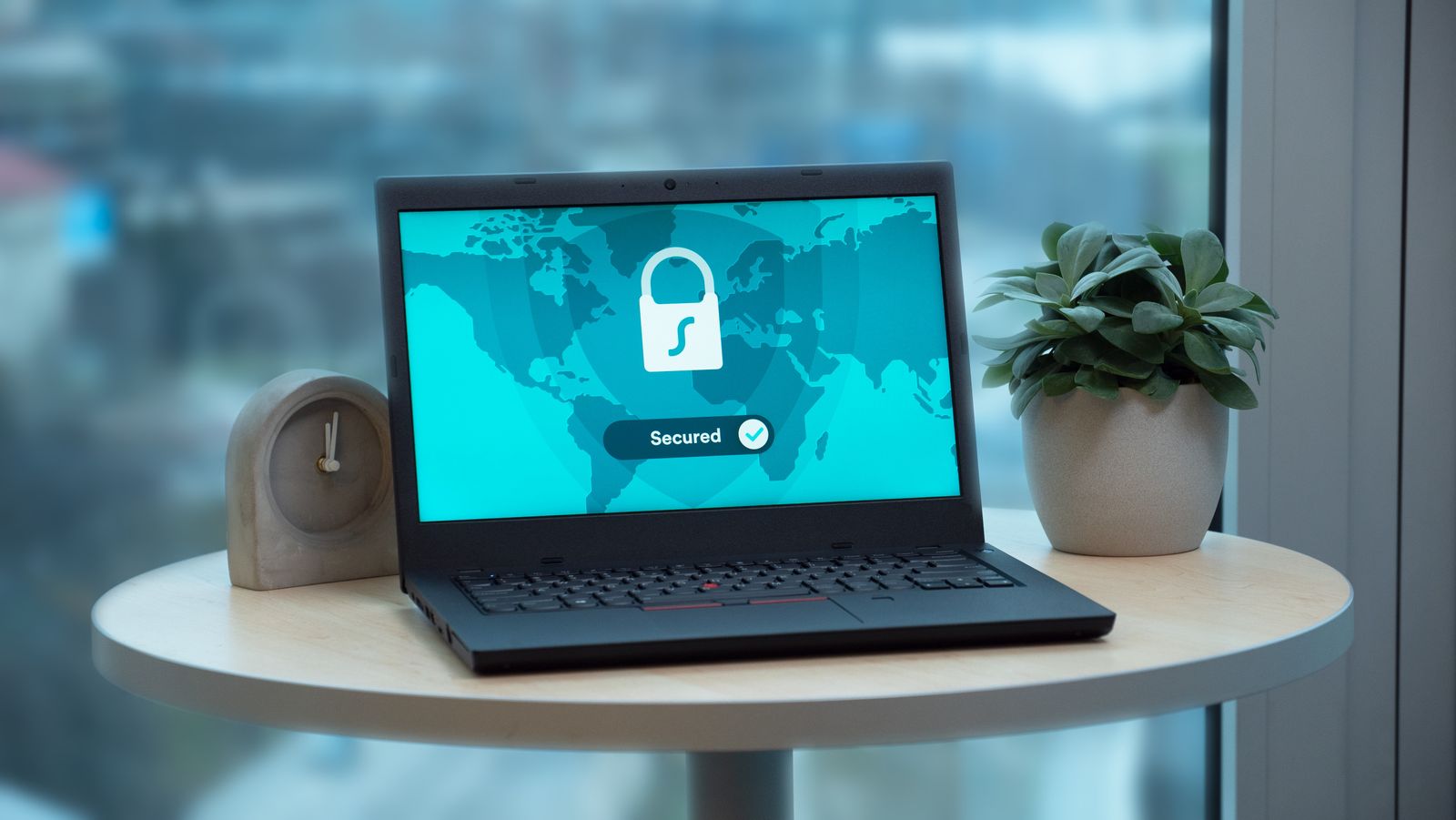
VPN stands for virtual private network, and the core idea is simple: it creates an encrypted tunnel between a device and a network. Anything traveling through that tunnel is scrambled, so even if someone intercepts it on public Wi-Fi at a coffee shop or an airport, all they see is gibberish. For a business, the more valuable use is the private network part. A business VPN lets an employee working from home or on the road connect into your office network as if they were sitting at their desk, reaching shared files, internal apps, and printers securely.
2. When Your Business Really Needs One
Not every company needs a VPN, but plenty do without realizing it. If you have employees who work remotely and need to reach files or software that live on an office server, a VPN is the safe way to do it. The same goes if your team travels, works from job sites, or connects to client systems. You also want one if staff regularly use public or shared Wi-Fi for work. On the other hand, if everything your business runs on lives entirely in cloud services like Microsoft 365 or Google Workspace, you may get most of your protection from multi-factor authentication instead, and a VPN becomes optional.
3. Business VPN vs. the Consumer Apps You See Advertised
The VPNs advertised on TV are consumer privacy tools. They route your personal browsing through a company server to hide your location and keep a coffee shop network from snooping. They do nothing to connect you to your office, and they are not built for managing a team. A business VPN is the opposite: it is configured by your IT provider, ties into your company network, and gives you control over who can connect and what they can reach. Handing employees a consumer app and calling it a business solution is one of the most common mistakes we untangle.
4. Remote Access Without Opening Holes in Your Network
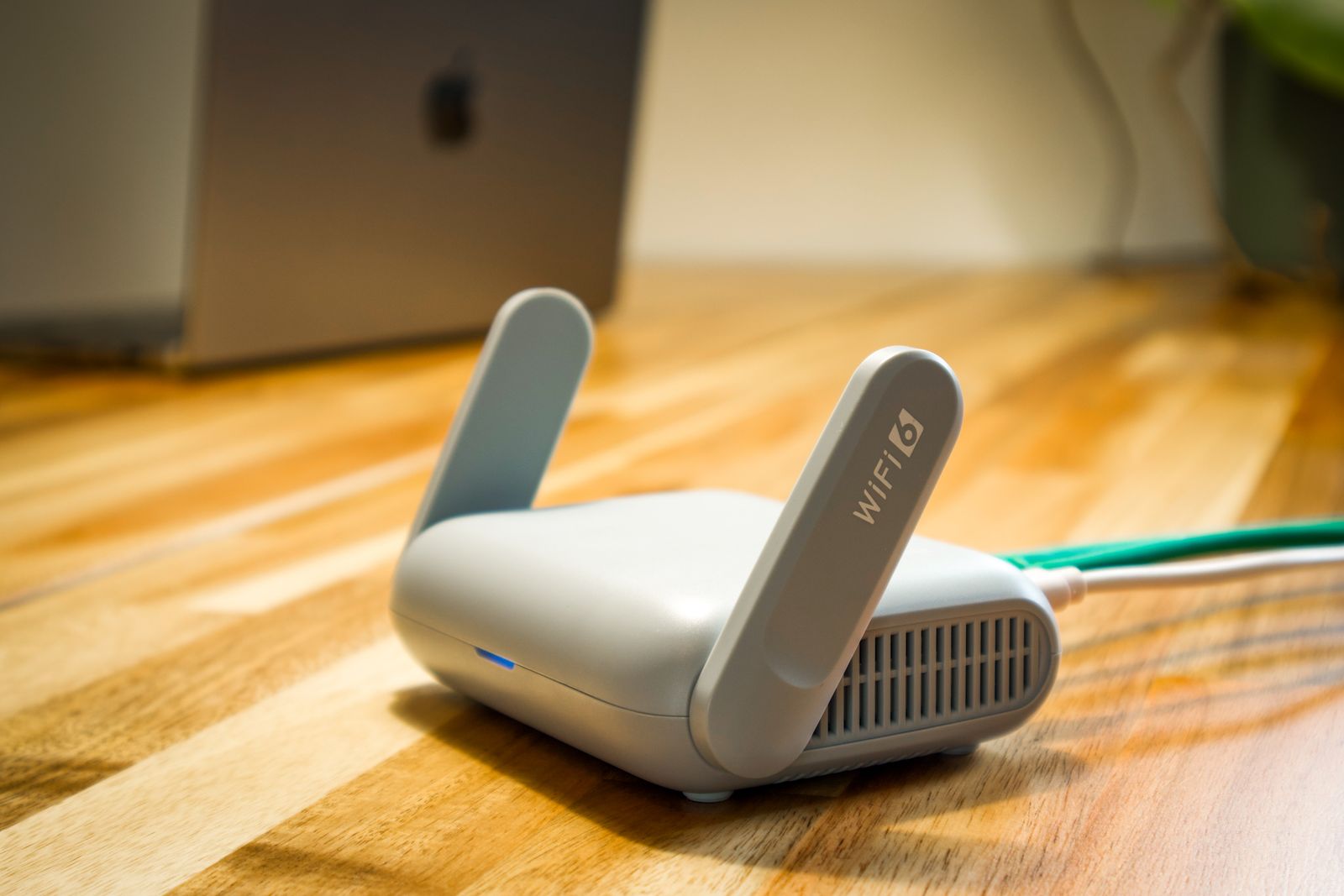
Here is the part that trips up the do-it-yourself crowd. To let people connect from outside, something has to be exposed to the internet, and if that is done carelessly, you have just rolled out a welcome mat for attackers. We have seen offices with remote desktop ports left wide open, which is one of the fastest ways to invite ransomware. A properly configured VPN closes those gaps by requiring an encrypted, authenticated connection before anyone can touch your network. Pairing that with strong logins and our managed IT services means remote access stays convenient without becoming a liability.
5. Common VPN Mistakes We See
Beyond the consumer-versus-business mix-up, a few problems come up again and again. Some businesses set up a VPN once and never update the software, leaving known security holes unpatched for years. Others give every employee full access to everything, when a salesperson really only needs a couple of folders. And many forget the offboarding step, so a former employee still has a working VPN login months after they left. A VPN is only as strong as the way it is managed, which is why it should be part of a bigger security plan, not a set-it-and-forget-it box in a closet.
6. How to Set Up a VPN the Right Way
Doing it right starts with a quick look at how your team actually works and what they need to reach. From there, the VPN gets built into your firewall or a dedicated device, access is limited by role, and every login is protected with multi-factor authentication so a stolen password alone is not enough. Updates and monitoring keep it healthy over time. None of this requires your staff to become networking experts. It just requires someone to configure it correctly once and keep an eye on it, which is exactly the kind of work our IT services are built to handle.
The Bottom Line
A VPN is not a magic shield, and it is not the thing the TV ads are selling. For a small business, it is a practical tool for letting your people work securely from anywhere without exposing your network to the whole internet. Whether you truly need one depends on how your team works, and getting it set up correctly matters far more than which brand you pick. Done right, it fades into the background and just keeps your business safe.
Not sure whether your team needs a VPN or whether the one you have is set up safely? Think Tech Support designs and manages secure remote access for businesses across Central Florida. Call us at (423) 486-6711 or reach out through our contact page for a free quote.