Smart Locks and Access Control for Central Florida Businesses: Ditch the Key Ring
How many keys are floating around for your business right now? Be honest. There is the set you handed the cleaning crew, the spare your last ...
How many keys are floating around for your business right now? Be honest. There is the set you handed the cleaning crew, the spare your last manager never returned, the copy a vendor borrowed two years ago, and the jingling ring you carry yourself. Every one of those keys is a security hole you cannot see, and the only way to close it is to call a locksmith and rekey every door. That is the old way of controlling who gets into your building, and for a growing business it simply does not scale.
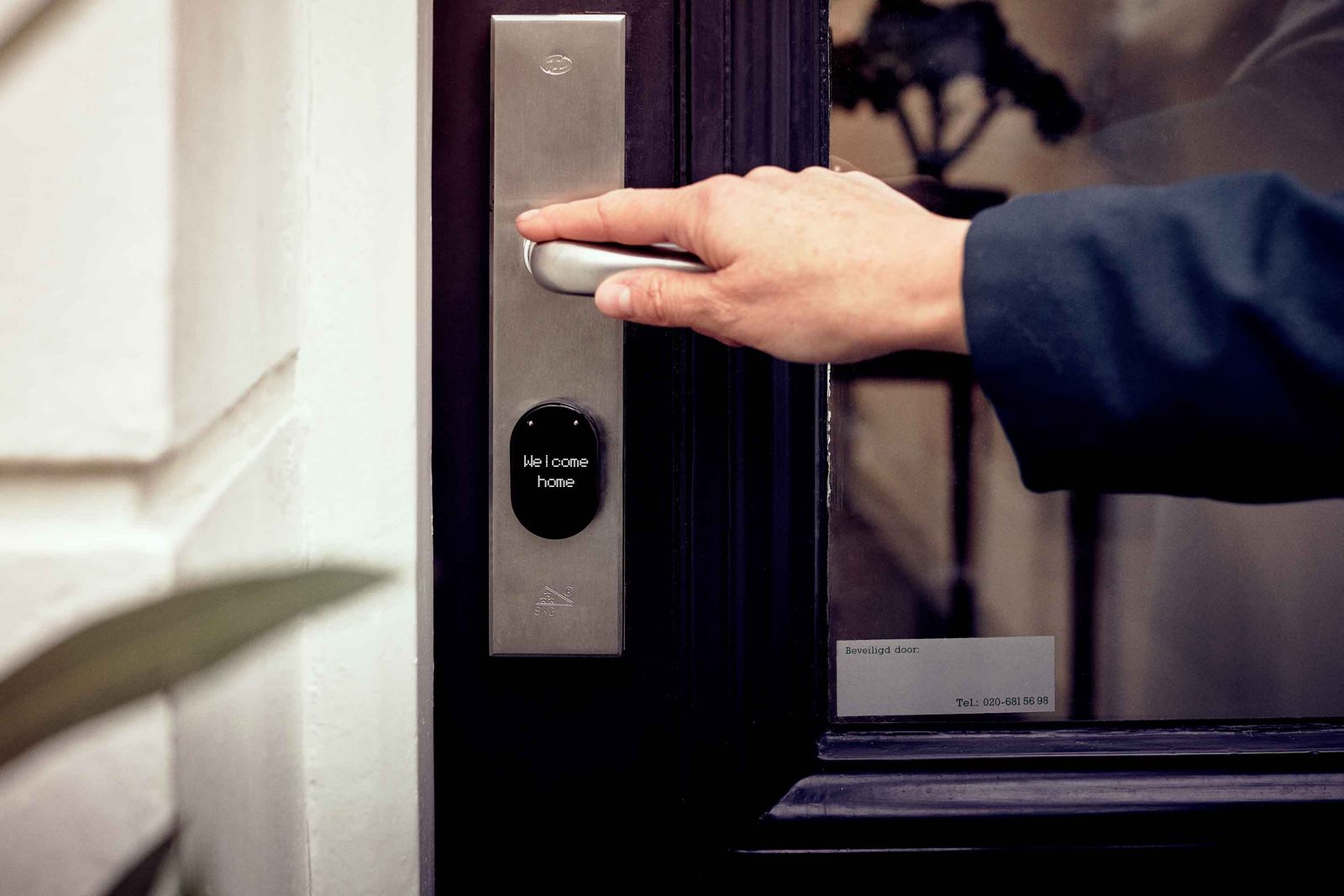
Smart locks and access control change that completely. Instead of metal keys, you grant and revoke access with a code, a fob, or a phone, and you do it in seconds from anywhere. At Think Tech Support, we help businesses across Orlando, Lake County, Clermont, Mount Dora, Eustis, Tavares, and Apopka move past the lost-key shuffle and lock down their doors the modern way. Here is what every owner should understand before they buy.
1. What Access Control Actually Means
Access control is just a smarter way of answering one question: who is allowed through this door, and when? A traditional lock answers it with a piece of cut brass. A smart access system answers it with software. You decide that the front office unlocks for staff at 7 a.m. and locks itself at 6 p.m., that the stockroom only opens for three specific people, and that the after-hours cleaning crew gets in on Tuesdays and Thursdays only. The door enforces those rules automatically, and you never have to be standing there to make it happen.
2. The Real Problem With Traditional Keys
Keys feel cheap until something goes wrong. When an employee leaves on bad terms, when a key goes missing, or when you suspect someone made an unauthorized copy, your only safe option is to rekey the affected doors. That means paying a locksmith, cutting new keys for everyone who still needs access, and hoping you did not miss a door. Do that two or three times a year and the math turns ugly fast. With a smart system, an employee who leaves is removed from the system in under a minute, and their access is gone for good. No locksmith, no new keys, no guessing.
3. The Main Types of Smart Locks
There is no single right answer here, because the best choice depends on your door, your traffic, and your budget. Keypad locks use a numeric code and are perfect for a back door or a single shared entrance. Fob and card readers are the workhorse of multi-door offices, since you can issue and cancel credentials individually. Mobile credentials turn a staff phone into the key, which employees love because they always have their phone on them. Biometric readers use a fingerprint for high-security rooms where you want zero chance of a shared code. Many businesses mix these, using a keypad up front and fobs for the interior.
4. The Audit Trail Is the Hidden Superpower
This is the feature owners do not expect to care about until they have it. Every time a door opens, a smart system logs who opened it and when. If product walks off overnight, you are not guessing anymore, you pull up the log and see exactly which credential opened the stockroom at 11:47 p.m. That same record settles disputes about who was first in or last out, confirms the cleaning crew actually showed up, and gives you a clear picture of how your space really gets used. A physical key leaves no trail at all.
5. It Should Be Built for Florida
This is where a lot of cheap consumer locks fall apart, sometimes literally. Central Florida throws heat, humidity, and afternoon lightning at everything mounted outdoors, and a residential-grade lock from a big-box store is not rated for a commercial door that gets used a hundred times a day. Outdoor readers need proper weather sealing, the wiring needs surge protection, and the system needs a plan for what happens when the power flickers, because around here it will. We size and install hardware that is meant to survive a Florida summer, not just look good in a catalog.
6. Locks, Cameras, and Alarms Working Together
Access control gets dramatically more useful when it does not stand alone. Tie your locks into your security camera system and a door-open event can trigger a camera to capture exactly who walked through. Pair it with your alarm and the system knows the difference between a valid after-hours entry and a break-in. This is the kind of integration we plan as part of managed IT, so your security tools talk to each other instead of sitting in separate silos. If you are already exploring connected devices, our guide to a smart setup built for Central Florida covers the same principles for the rest of your space.
The Bottom Line
Smart locks are not about chasing the latest gadget. They are about answering a basic business need: knowing exactly who can get into your building, changing that in seconds, and having a record of every door that opens. For a Central Florida business that is tired of rekeying locks and tracking down missing keys, the upgrade pays for itself in saved locksmith bills and real peace of mind. The trick is choosing hardware that fits your doors and survives our climate, then setting it up so it actually works the way you need.
Ready to stop worrying about who has a key? Think Tech Support designs and installs smart lock and access control systems for businesses across Central Florida. Call us at (423) 486-6711 or reach out through our contact page for a free quote.