Website Security and SSL for Central Florida Small Business: Don’t Let a Hacked Site Cost You Customers
Your website is often the first thing a potential customer sees, and for many local businesses it is working hard around the clock while you are ...
Your website is often the first thing a potential customer sees, and for many local businesses it is working hard around the clock while you are busy running the shop. But a website is also a target. Automated bots scan the internet every minute looking for outdated plugins, weak passwords, and missing security certificates. When they find a soft spot, the result can be anything from an embarrassing defacement to stolen customer data or a site that quietly redirects your visitors to a scam page.
The good news is that most website attacks are preventable with a handful of solid habits. At Think Tech Support, we help businesses across Orlando, Lake County, Clermont, Mount Dora, Eustis, Tavares, and Apopka keep their websites secure, fast, and trustworthy. Here is what every small business owner should understand about website security and SSL, explained in plain language.
1. What SSL Actually Does (and Why That Padlock Matters)
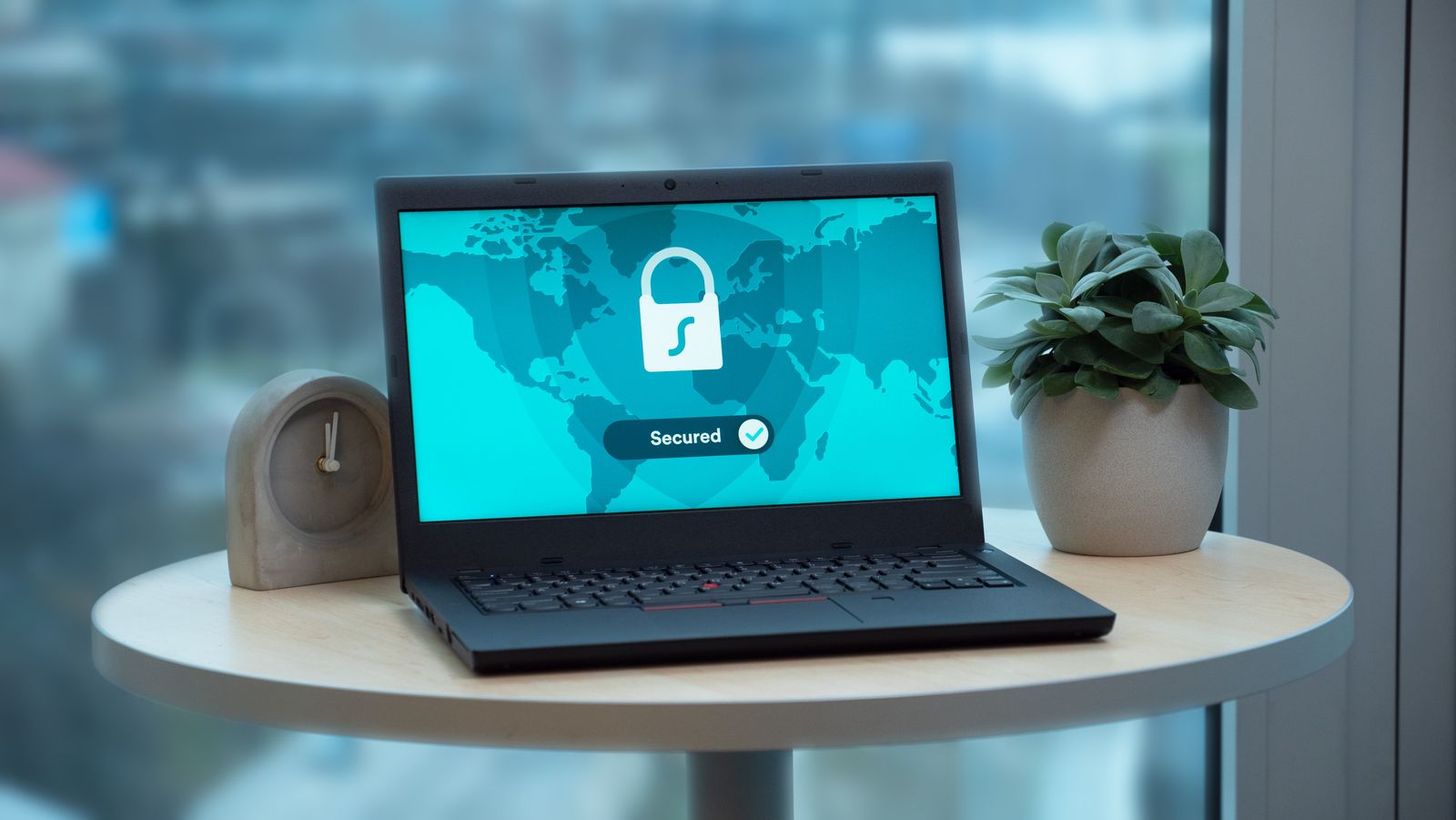
SSL is the technology behind the little padlock icon in your browser’s address bar, and it is the reason a web address starts with https instead of plain http. In short, it encrypts the connection between your visitor’s browser and your website, so passwords, contact form details, and payment information cannot be read by anyone snooping on the network. If your site still shows “Not Secure” in the address bar, visitors notice, and many will leave before they ever read a word.
2. Google Rewards Secure Sites
Search engines treat security as a ranking signal. Google has confirmed that HTTPS is a factor in how sites are ranked, and modern browsers actively warn people away from sites without a valid certificate. That means an expired or missing SSL certificate does not just look unprofessional, it can quietly push you down the search results and cost you local traffic. If you want your local SEO efforts to pay off, a secure site is the foundation they stand on.
3. Keep Your Software Updated
The single most common way small business sites get hacked is through outdated software. WordPress, plugins, themes, and the underlying server software all receive security patches regularly. When you skip those updates, you leave known holes wide open for automated attacks. Updates are not optional busywork, they are how you close the doors before someone walks through them. A managed approach means updates get tested and applied on a schedule instead of being forgotten until something breaks.
4. Strong Passwords and Limited Access
Your website admin login is a prime target for brute-force attacks, where bots try thousands of password combinations until one works. Use long, unique passwords, turn on two-factor authentication, and give each person only the access they genuinely need. We cover this in more detail in our guide to password managers for small business, but the principle is simple: fewer weak doors means fewer ways in.
5. Back Up Before You Need To
Even a well-protected site can run into trouble, whether from a hack, a bad update, or simple human error. A recent, off-site backup is the difference between a five-minute restore and a five-day rebuild. Make sure your backups run automatically, that they are stored somewhere separate from the website itself, and that someone has actually tested restoring from them. An untested backup is just a hope, not a plan.
6. Watch for Warning Signs
A compromised site does not always announce itself. Slow loading, unfamiliar pop-ups, strange new pages, a sudden drop in search traffic, or a warning from Google Search Console can all signal trouble. The sooner you catch it, the easier and cheaper the cleanup. If something feels off, it is worth having a professional take a look before a small problem turns into a lost weekend and a damaged reputation.
The Bottom Line
Website security is not about fear, it is about protecting the time, money, and trust you have already invested in your business. A valid SSL certificate, regular updates, strong logins, and reliable backups cover the vast majority of real-world threats. Get those basics right and your site stays fast, trusted, and working for you instead of against you. If you would rather not juggle all of this yourself, that is exactly the kind of thing managed IT services are built to handle.
Is your business website secure, or are you not quite sure? Think Tech Support designs, secures, and maintains websites for businesses across Central Florida. Call us at (423) 486-6711 or reach out through our contact page for a free quote.