
Secure Data Destruction: What Central Florida Businesses Must Do Before Getting Rid of Old Computers
There is a closet in almost every small business that nobody wants to open. It holds two dead laptops, a desktop from the last office move, ...
There is a closet in almost every small business that nobody wants to open. It holds two dead laptops, a desktop from the last office move, a stack of hard drives someone pulled years ago, and a couple of phones that belonged to employees who left a long time ago. Eventually somebody decides to clean house, and those machines go out with the trash, get donated to a school, or get handed to a guy on Marketplace who buys old electronics by the truckload. That is the moment a routine cleanup quietly turns into a data breach.
Here is the part most owners do not realize: deleting a file does not remove it, and neither does emptying the recycle bin or running a quick format. The data sits on the drive until something overwrites it, and recovery software that costs almost nothing will pull it right back. We help businesses across Orlando, Lake County, Clermont, Mount Dora, Eustis, Tavares, and Apopka retire old equipment the right way, and the things we find still readable on donated machines would make most owners nervous. Here is how to handle it properly.
1. Know What Is Actually Living on That Old Machine
Before you decide how to destroy something, you have to know what is on it. A five year old front desk computer is rarely just a web browser. It typically holds cached customer records, saved browser passwords, accounting company files, scanned driver licenses or insurance cards, employee tax documents, vendor bank details, and years of email sitting in a local data file. Phones and tablets can be worse, because they carry text threads, photos of documents, and authentication apps. Assume every retired device holds sensitive data until you prove otherwise, and treat it that way. For a broader look at what counts as sensitive, our guide to data privacy basics for Central Florida small business pairs well with this one.
2. Deleting, Wiping, and Destroying Are Three Different Things
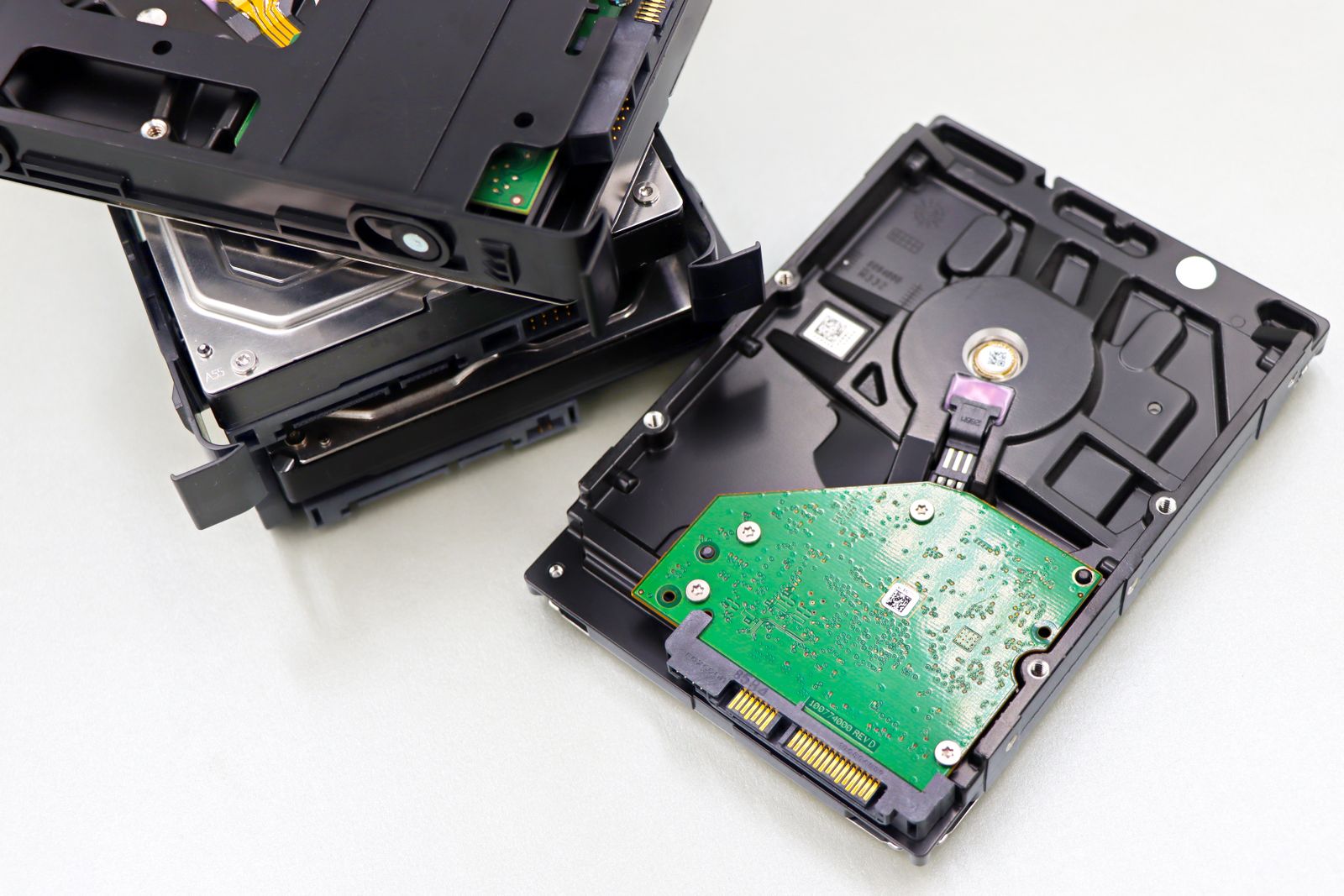
These words get used interchangeably, and they are not the same. Deleting removes the pointer to a file while leaving the actual data intact. Wiping (also called sanitizing) overwrites the storage or cryptographically erases it, so the data is genuinely unrecoverable while the device stays usable. Destroying means physically ruining the media so it can never be read again, usually by shredding, crushing, or degaussing. The right choice depends on where the device is headed. Reselling or donating a machine calls for a verified wipe. A failed drive that will not power on calls for physical destruction, because you cannot verify a wipe you were never able to run.
3. Wipe Modern Drives the Right Way
The old advice about seven overwrite passes belongs to the era of spinning platters. Solid state drives do not work that way, and repeatedly overwriting them is both slow and unreliable because of how they shuffle data internally. The current standard is a secure erase command issued to the drive itself, or a cryptographic erase that throws away the encryption key so whatever remains is permanent gibberish. That is exactly why full disk encryption should be turned on from day one on every business laptop you own. If BitLocker or FileVault has been running since the machine was deployed, retiring it safely becomes a two minute job instead of an all afternoon project.
4. Do Not Forget the Devices Nobody Thinks About
Computers get attention. Everything else gets forgotten. Your office copier almost certainly has an internal hard drive that stores an image of every document it has scanned, faxed, or printed, including payroll and contracts. Network video recorders hold weeks of camera footage. Old routers and firewalls store Wi-Fi keys, VPN credentials, and a map of your network. Point of sale terminals, backup drives, and the USB sticks rolling around in a desk drawer all count too. Build one inventory of every device that stores anything, then handle each item before it leaves the building. This fits naturally with your IT onboarding and offboarding checklist, since a departing employee is the most common reason a device gets retired in the first place.
5. Get a Certificate of Destruction, Not a Verbal Promise
If you hand equipment to a recycler or an IT provider, you need proof of what happened to it. A legitimate vendor issues a certificate of destruction listing serial numbers, the method used, and the date. That document is what protects you if a customer, an auditor, or your insurance carrier asks questions later. Speaking of insurance, many cyber liability policies require documented media sanitization as a condition of coverage, so a missing paper trail can turn into a denied claim. Free electronics recycling drop offs are fine for a broken monitor or an old printer, but they are not the right destination for anything that stored customer data unless the drive came out and got destroyed first.
6. Watch the Florida Specifics
Florida law requires businesses to take reasonable measures to dispose of customer records containing personal information, and a breach caused by careless disposal is treated like any other breach, which means notification duties and real cost. Add the fact that Florida keeps certain electronics out of regular landfill disposal, and the dumpster stops being an option on two separate fronts. Regulated fields raise the bar further: medical offices, dental practices, law firms, and financial advisors around Orlando and Lake County all carry documentation requirements that a casual cleanup will never satisfy.
7. Make Retirement Part of Your Normal IT Process
The businesses that handle this well are not doing anything heroic. They simply treat device retirement as a standard step instead of an emergency. Encryption is on from the start, retired equipment goes to one locked spot rather than a random closet, and disposal happens on a schedule with documentation attached. That is a natural fit for managed IT services, where hardware gets tracked through its whole life instead of being remembered only when it dies. The cleanup you plan is always cheaper than the cleanup you react to.
The Bottom Line
Old equipment feels like clutter, but until it has been properly sanitized it is really a filing cabinet full of your customers’ information sitting unlocked in a hallway. Wipe what you can verify, physically destroy what you cannot, remember the copiers and recorders and drawers full of USB sticks, and keep documentation for every device that leaves your control. It is a small amount of discipline that removes an entire category of risk from your business.
Got a closet full of old computers you are afraid to throw out? Think Tech Support handles secure data wiping, drive destruction, and responsible equipment disposal for businesses across Central Florida. Call us at (423) 486-6711 or reach out through our contact page for a free quote.


