Laptop Battery Draining Fast? 6 Reasons Your Charge Disappears (and How to Fix Each One)
You unplug at 100 percent, open a couple of tabs, and an hour later the laptop is begging for the charger. If your laptop battery is ...
You unplug at 100 percent, open a couple of tabs, and an hour later the laptop is begging for the charger. If your laptop battery is draining fast, you are not imagining it, and it is rarely just “the battery is old.” In most cases something on the machine is quietly burning power in the background, and a few targeted changes can buy back hours of runtime. Sometimes the battery really is worn out, and there is a simple way to tell which situation you are in.
We fix laptops for homeowners, students, and small businesses across Orlando, Lake County, Clermont, Mount Dora, Eustis, Tavares, Leesburg, Winter Garden, and Apopka, and battery complaints are one of the most common things that come across our bench. Here are the six causes we see most, in the order we check them, plus how to fix each one yourself before you spend money.
1. A Background App Is Eating Your Battery
The number one cause of a laptop battery draining fast is a program that will not sit still. Cloud sync tools re-uploading the same folder, a browser with dozens of tabs running video ads, a stuck Windows update, or a game launcher that never closes can keep the processor working even when you are not. On Windows, open Settings, System, Power and battery, Battery usage and look at which apps used the most power over the last 24 hours or 7 days. On a Mac, check System Settings, Battery. If something you barely use sits at the top of that list, close it, remove it from startup, or uninstall it. This one step solves the problem more often than anything else.
2. Screen Brightness and Power Settings Are Working Against You
The display is the single biggest power draw on most laptops. Running at full brightness can cut runtime by a third or more. Drop brightness to a comfortable level, turn on battery saver (Windows) or Low Power Mode (Mac), and make sure the power mode is not stuck on “Best performance” when you are unplugged. Keyboard backlights, a high refresh rate screen setting, and Bluetooth devices you are not using all add up too. None of this is glamorous, but a laptop that was set up for maximum speed on day one will always look like it has a weak battery.
3. Why Your Laptop Battery Is Draining Fast After an Update
One of the most searched versions of this problem is a laptop battery draining fast after a Windows 11 update, and it is real. Right after a big update, Windows reindexes your files, rebuilds caches, and scans for malware, which can hammer the battery for a day or two. That part settles down on its own. What does not settle down is a bad driver. If drain started the day of an update and is still bad a week later, check the manufacturer’s support site (Dell, HP, Lenovo, and so on) for updated chipset and graphics drivers, since generic drivers pushed by Windows Update sometimes keep the hardware from entering its low power states. If you notice the computer also got slow all of a sudden at the same time, the two problems usually share one cause.
4. It Drains Even When It Is Off or Asleep
If you close the lid at night and wake up to a dead battery, the laptop probably is not really sleeping. Many newer laptops use “Modern Standby,” which keeps the machine partly awake to fetch email and updates, and a misbehaving app or USB device can keep it fully awake inside your bag. Two quick fixes: shut down instead of closing the lid when you will not use it for a while, and unplug USB accessories before you put it away. A laptop that gets warm in a closed backpack is a warning sign, since that heat is also hard on the battery and the components around it. We covered that side of things in our post on laptops overheating and shutting down.
5. Malware or Crypto Mining Is Running in Secret
Not as common, but worth ruling out. Some malware quietly uses your processor to mine cryptocurrency or send spam, and the first symptom many people notice is a hot laptop with a fan that never stops and a battery that drops by the minute. If Task Manager shows high CPU use with nothing open, or you see a process name you do not recognize near the top, run a full scan with Windows Security or a reputable second opinion scanner. If the scan finds something, or the drain continues with no obvious cause, that is the point to have a professional look rather than downloading random “battery booster” tools, which are often part of the problem.
6. The Battery Itself Is Worn Out
Every lithium battery loses capacity over time. After two to four years of daily use, a battery holding 60 percent of its original charge is normal, and Florida heat speeds that up, especially for laptops left in a hot car. Here is the test that ends the guessing. On Windows, open Command Prompt and type powercfg /batteryreport, then open the report it saves and compare Design Capacity to Full Charge Capacity. On a Mac, hold Option and click the battery icon, or check System Settings, Battery, Battery Health. If full charge capacity is well under 70 percent of design capacity, no setting will fix it. The good news is that a replacement battery is usually far cheaper than a new laptop. One more warning: if the battery is swollen (the case bulges, the trackpad feels raised, or the bottom panel will not sit flat), stop using it and get it replaced right away. That is a safety issue, not an inconvenience.
When to Call for Help
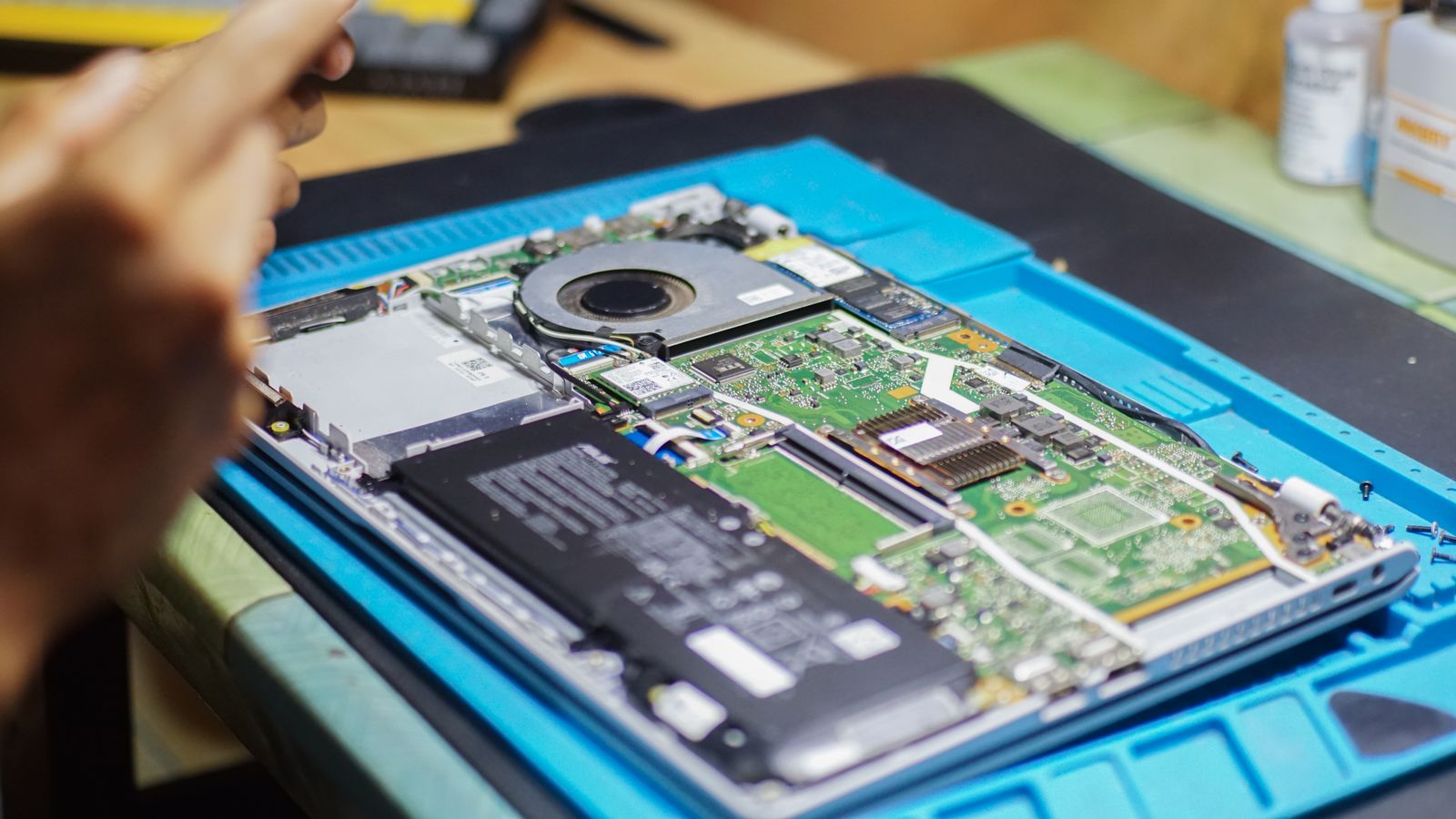
If you have checked battery usage, tuned your power settings, updated drivers, and run a malware scan, and the laptop battery is still draining fast, it is time for a hands-on diagnosis. We can read the battery health, test the charger and charging port, find the process or driver causing the drain, and replace the battery with a quality part when that is the real answer. Our residential tech support team handles this for home users, and the same service covers small offices with a handful of laptops that all seem to be dying early.
The Bottom Line
A fast draining battery is usually a software problem first and a hardware problem second. Start with the battery usage screen, because it points straight at the culprit most of the time. Fix your brightness and power mode, give updates a day to settle, and make sure the laptop truly sleeps. Then run the battery report. If capacity is low or the battery is swollen, replacement is the fix, and it is often the best value repair you can make on an older laptop.
Tired of hunting for an outlet every hour? Think Tech Support diagnoses battery drain, replaces worn laptop batteries, and gets sluggish machines running right again for homes and businesses across Central Florida. Call us at (423) 486-6711 or reach out through our contact page for a free quote.