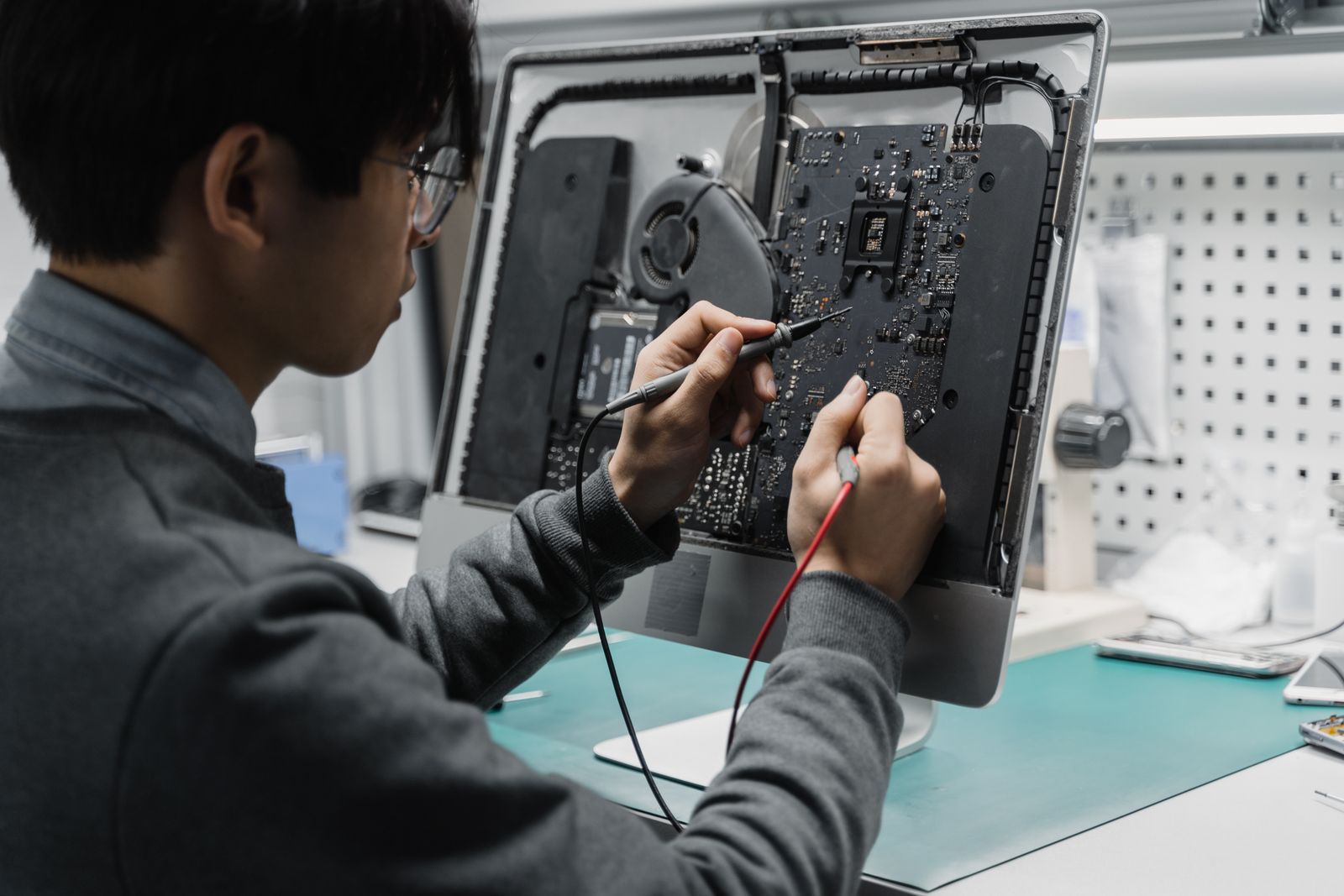
Computer Repair in Eustis FL: Slow PCs, Dead Drives, and When a Fix Is Worth It
If you are searching for computer repair in Eustis FL, something has probably already gone wrong. Maybe the laptop will not boot, the office desktop takes ...
If you are searching for computer repair in Eustis FL, something has probably already gone wrong. Maybe the laptop will not boot, the office desktop takes ten minutes to open email, or a pop-up is telling you to call a number you have never seen before. Whatever it is, you want three answers fast: what is wrong, what will it cost, and how long until I have it back?
That is exactly what this guide covers. Think Tech Support is a local team, and we help businesses and homeowners across Eustis, Tavares, Mount Dora, Leesburg, Lake County, Clermont, and Orlando get their machines working again without the runaround. Here is what to expect, what problems we see most around the Lake Eustis area, and how to tell when a repair is smart money versus when it is time to replace.
1. The Most Common Computer Repair Problems in Eustis
Most repair calls fall into a handful of buckets. Slow performance tops the list, usually caused by an aging hard drive, too little memory, or years of startup programs piling up. Next come failed drives (clicking, freezing, or the dreaded “no boot device” message), malware and scam pop-ups, cracked laptop screens, broken charging ports, and overheating from fans packed with dust and pet hair. Central Florida adds its own twist: summer lightning and power flickers are hard on power supplies and motherboards, and humidity speeds up corrosion on machines kept in garages, workshops, or lake houses that sit closed for months.
2. What Computer Repair in Eustis FL Typically Costs
Pricing depends on the problem, but most fixes land in predictable ranges. A diagnostic is often low cost or credited toward the repair. Virus and malware removal and a general tune-up are usually a flat fee. Swapping an old spinning hard drive for a fast solid-state drive, including moving your files and reinstalling Windows, is one of the best values in computer repair, often turning a sluggish five-year-old PC into something that feels new for a fraction of replacement cost. Laptop screens and charging ports vary more because parts depend on the exact model. A good shop will always tell you the price before doing the work. If someone will not quote until after the job is done, walk away. You can see what we handle on our computer repair services page.
3. How Long Repairs Usually Take
Simple jobs such as malware cleanup, memory upgrades, and software problems are often done the same day or the next. A drive replacement with data transfer usually takes one to two days, mostly because copying years of photos and documents takes time and should never be rushed. Screen and board repairs depend on parts availability, typically a few business days. For many software problems, we can connect remotely and start within minutes, which means no drive to the shop at all. Businesses should ask about loaner machines or priority turnaround, because a front desk computer that is down for a week costs far more than the repair itself.
4. Protect Your Data Before Anything Else
The single most important question in any repair is “Are my files safe?” If your computer is making clicking or grinding sounds, turn it off and stop using it. Every minute a failing drive spins can make recovery harder. A reputable technician should confirm your data situation before wiping or replacing anything and should back up your files as part of the job when possible. If a drive has already failed, professional recovery is often still possible. Our guide to data recovery costs and when files can be saved walks through what to expect.
5. Repair or Replace: A Simple Rule of Thumb
Here is the rule we give customers: if the computer is under five years old and the repair costs less than half the price of a comparable new machine, repairing usually wins. If it is older, still running Windows 10, or needs a motherboard plus other parts, replacement is often the smarter spend. Keep in mind that Windows 10 no longer receives free security updates, so a machine that cannot run Windows 11 is a security risk no matter how well it runs today. We cover this decision in more detail in our post on when to repair or replace business computers. An honest tech will tell you when a repair is not worth your money.
6. Watch Out for Tech Support Scams
Many Eustis residents, especially retirees, get hit by fake tech support pop-ups that lock the browser and display a phone number claiming to be Microsoft or Apple. Neither company works that way. If you see one, do not call the number, do not give anyone remote access, and do not pay with gift cards. Close the browser (hold the power button if you must) and have the machine checked. If you already let a stranger connect, change your banking and email passwords from a different device and get the computer cleaned right away, because scammers often leave remote access software behind.
7. Prevent the Next Repair Call
A little maintenance goes a long way. Plug desktops into a surge protector or battery backup, which matters a lot in the lightning capital of the country. Keep Windows and your browser updated, run real antivirus, and set up automatic backups to the cloud or an external drive. Blow the dust out of desktops once a year. For offices with several computers, a monthly plan like our managed IT services handles updates, monitoring, and backups automatically, so small problems get caught before they turn into emergencies.
The Bottom Line
Good computer repair in Eustis should be straightforward: a clear diagnosis, an upfront price, a realistic timeline, and your files protected the whole way through. Most slow or broken computers can be fixed for far less than the cost of a new one, and when they cannot, a trustworthy tech will say so. Whether it is a single home laptop or a handful of office PCs, getting local help quickly keeps a small problem from becoming an expensive one.
Is your computer slow, stuck, or refusing to start? Think Tech Support provides fast, honest computer and laptop repair, virus removal, and data recovery for homes and businesses across Central Florida. Call us at (423) 486-6711 or reach out through our contact page for a free quote.