
Computer Repair in Clermont FL: What Gets Fixed, What It Costs, and When to Replace
When a computer quits, the first questions are almost never technical ones. They are practical: how long will this take, what is it going to cost, ...
When a computer quits, the first questions are almost never technical ones. They are practical: how long will this take, what is it going to cost, and are my files still there? Most people searching for computer repair in Clermont FL are somewhere between annoyed and genuinely worried, and the honest answer depends entirely on what failed. A laptop that will not power on and a desktop that takes six minutes to reach the login screen are two very different jobs with two very different price tags.
Think Tech Support handles diagnostics, hardware repair, cleanup, and data rescue for homes and small businesses across Orlando, Lake County, Clermont, Mount Dora, Eustis, Tavares, Apopka, and Winter Garden. This guide covers what actually breaks, what a fair repair costs, how to protect your data before you hand your machine to anyone, and the point where buying a new computer is simply the smarter call.
1. What Computer Repair in Clermont FL Actually Covers
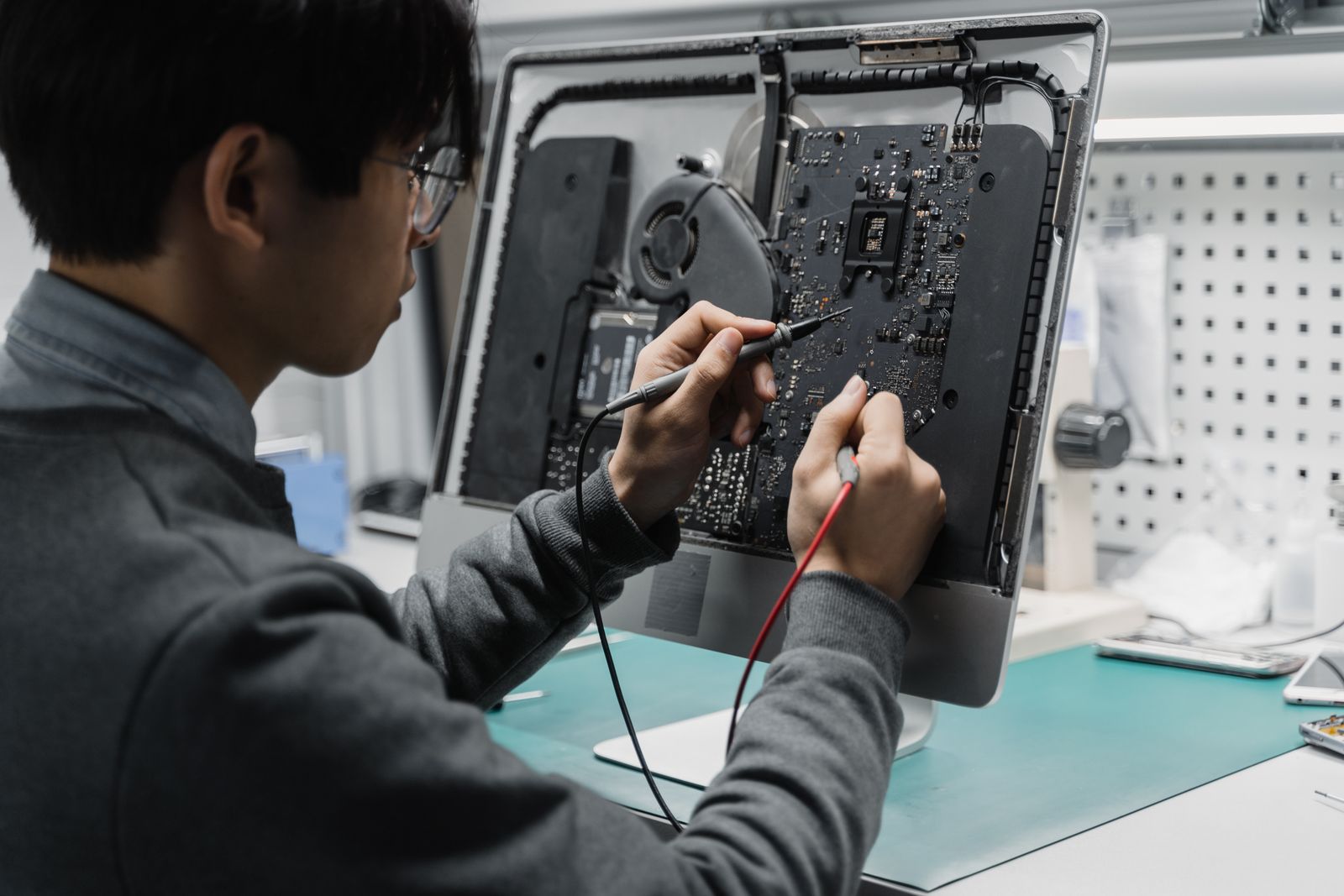
Repair is a broad word, and it hides three very different kinds of work. There is hardware: replacing a failing hard drive, adding memory, swapping a dead power supply, fixing a cracked laptop screen, replacing a swollen battery, or clearing years of dust out of a cooling system. There is software: removing malware and browser hijackers, repairing a Windows install that broke halfway through an update, sorting out driver conflicts, and untangling the slowdown that has nothing to do with hardware at all. And there is recovery and migration: pulling files off a machine that will not boot, or moving everything you own onto a replacement without losing your email, your bookmarks, or your photos.
2. The Failures We See Most Often
Central Florida is hard on electronics, and the pattern shows up in the repairs we do. Failing hard drives lead the list, usually announced by long boot times, freezing, and a faint clicking sound that people ignore for weeks. Heat and dust come next: a desktop packed with dust in a warm room will throttle itself down until it feels broken. Power damage from our summer storms takes out power supplies and motherboards, often in machines plugged into a cheap strip instead of a real surge protector. Then come failed Windows updates, malware and fake support popups, and swollen laptop batteries, which are a real fire risk and should never wait.
3. What a Repair Typically Costs
Prices vary by shop and by machine, but here are realistic ranges so you know when a quote is off. A diagnostic runs from free to about $99, and it is often credited toward the repair. A software cleanup or malware removal generally lands between $90 and $175. Swapping a failing drive for a solid state drive with your data migrated over usually runs $150 to $300 including the drive, and it is the single best upgrade an older computer can get. Laptop screens run $150 to $400 depending on the model, and power supplies around $120 to $200 installed. True data recovery from a physically failed drive is its own category and can reach four figures at a clean room lab.
4. Back Up Your Data Before Anyone Touches the Machine
This is the step people skip and regret. If the computer still turns on, copy your important files to an external drive or a cloud service before you drop it off anywhere, even with us. Repairs sometimes require wiping and reinstalling, and a drive that is already failing can go from readable to unreadable during the work through no fault of the technician. Ask any shop two direct questions: do you take a backup image before you start, and what happens to my data if the repair fails? A straight answer to both is a good sign. A shrug is not.
5. When Replacing Beats Repairing
There is a simple rule that saves people a lot of money. If the repair costs more than half the price of a comparable new machine, replace it. Three other flags point the same direction: the computer is more than six years old, it cannot run a currently supported version of Windows, or it has already had two significant repairs. Pouring $350 into an eight year old laptop buys you a faster eight year old laptop with the same aging battery, the same tired hinges, and the same power supply waiting to fail. We walk clients through the repair or replace decision honestly, even when replacing means a smaller invoice for us.
6. Business Computers Are a Different Job
When a home computer breaks, it is inconvenient. When a work computer breaks, it costs money by the hour. Business repairs need a different approach: a loaner machine so the employee keeps working, careful handling of encrypted drives and company accounts, reconnecting Microsoft 365 or your line of business software correctly, and a record of what was done for your own compliance needs. That is why most of our business clients keep computers covered under a managed IT plan instead of calling around after something dies. Monitored machines tend to warn us before they fail.
7. How to Choose a Repair Shop You Can Trust
Look for four things. First, a written estimate before work starts, with a clear policy on what happens if the fix does not work. Second, a real explanation of what failed, in plain language, not just a part number on an invoice. Third, a realistic turnaround, including whether the machine leaves the area for service. Fourth, local accountability: a business with a real phone number and a local reputation has every reason to make it right. Mail in services and big box counters can be fine for simple jobs, but nobody there knows your setup, and nobody there is going to pick up the phone next month.
The Bottom Line
Most computer problems are cheaper to solve than people fear, and the ones that are not usually announce themselves early with slow boots, strange noises, or repeated crashes. Back up your files today, get a real diagnosis before you spend anything, and be willing to walk away from a machine that has earned its retirement. A good local technician will tell you which situation you are in, even when the answer is that you do not need a repair at all.
Is a slow, noisy, or dead computer costing you time you do not have? Think Tech Support diagnoses, repairs, upgrades, and replaces computers for homes and businesses across Central Florida. Call us at (423) 486-6711 or reach out through our contact page for a free quote.


